TikTok Video Editor: How to Create High-Performing Vertical Videos
Learn how to hook viewers, edit within TikTok's safe zones, and test video variations with a vertical video editor built for creators.
Most short videos lose people before they hit five seconds. It's rarely one big mistake. It's a pile of small ones: a cut that lands wrong, a voiceover that sounds flat, text sitting behind the like button. Nobody stops to work out why a video feels off. They just scroll past.
Getting better at TikTok video editing isn't about finding a shortcut button that does the work for you. It's about cutting the busywork out of your process, trimming dead air, lining up captions, and balancing audio, so you have time left for the parts that actually decide whether a video gets watched: the hook, the pacing, and testing enough versions to know what's working.
Here's what actually matters when you're using a TikTok video editor, whether that's a phone app or a video editing platform like Videfy, from the first line viewers hear to the format you save the file in.
How Do You Hook Viewers in the First Second?
TikTok doesn't give you a slow start. You don't get ten seconds to say hello, show a logo, or explain who you are. Whatever's on screen in that first moment is basically the whole pitch.
Three approaches tend to work better than most:
- Call out something specific instead of something vague. "Editing takes forever" doesn't land. "If editing one video is eating two hours of your day, something's wrong with your process" does, because it names the exact moment someone's stuck in.
- Say something that goes against what people expect. "Stop using stock footage in your ads" makes someone pause and ask why, because it pushes against the default.
- Show it instead of saying it. A quick before-and-after or a side-by-side gives people a reason to keep watching before you've said a word.
What TikTok Video Formats Actually Keep People Watching?
Having a structure in mind before you open a TikTok video editor saves you from a lot of back-and-forth later. Three layouts keep showing up for a reason.
The "three things people get wrong" format suits anything educational. Open with the setup, run through the points fast with a visual change on each, close with a reason to save the post.
The before-and-after case study fits agencies or service work. Show the mess, show the fix, show the result, and ask people to comment for the template.
The "stop doing this" format is built to get comments. Call out a habit, show a faster way, back it up visually, point people to follow for more.
How Do You Keep TikTok's Interface From Covering Your Video?
One of the easiest things to get wrong when making TikTok vertical videos is placing text or your subject somewhere the app itself covers. The profile icon, like button, comment drawer, and scrolling audio text all sit on top of your footage.
Keep the top area clear of text, since the "Following / For You" tabs sit there. Keep your main subject and captions centered, since that's the one part of the frame nothing else touches. Leave space near the bottom for the caption box, and stay off the right edge where the button stack lives.
On the technical side: shoot native 9:16, at 1080 by 1920, and use 30 or 60 fps so the scroll looks smooth instead of choppy. Most TikTok editing tools default to these settings, but it's worth checking your export before you post.
What's the Right Pace for TikTok Video Editing?
A shot that holds still too long loses people fast on a vertical feed. A few habits help:
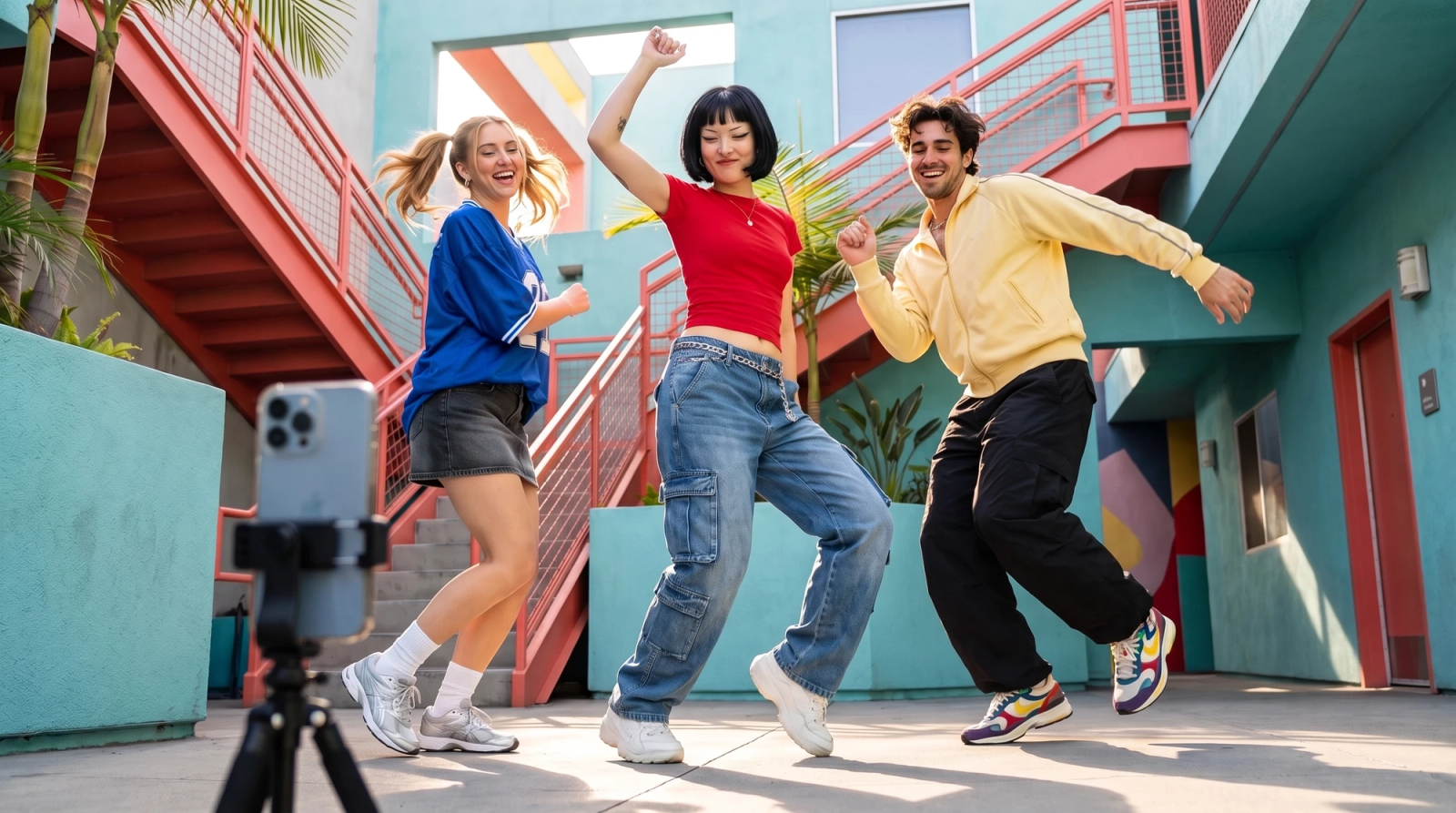
Change something, a cut, an angle, a zoom, every couple of seconds. Even a small shift keeps the eye engaged.
Pick footage where something is actually happening. Someone walking, typing, gesturing, holds attention better than someone sitting still and talking.
Match captions to how the person is actually speaking, so words land as they're said instead of ahead of or behind the voice.
On audio, leave a beat where the speaker naturally pauses instead of cramming every line together. If there's music under a voiceover, keep it low, somewhere around 10 to 15 percent, so it adds energy without stepping on what's being said.
Why Do You Need More Than One Video Variation?
Most creators build a video, post it once, and hope. That's a hard way to figure out what actually works. The stronger approach is treating a video less like a single finished product and more like a starting point you can branch off from.
- The same footage and structure can become several different videos depending on what changes:
- A different opening line, while the body stays untouched, to see which hook actually holds attention.
- A different ending, so you can compare whether people comment more or click a link more.
- A different voice or music bed, since tone changes how a video feels even when nothing else does.
- A version reworked for a different audience, where the pacing or wording shifts but the core message doesn't.
None of this requires rebuilding a project from scratch each time. It just means keeping the core video flexible enough to swap pieces in and out, which is where a lot of video editing software falls short, and where a dedicated vertical video editor tends to hold up better.
What Does a TikTok Video Editor Like Videfy Actually Do?
Doing all of this by hand, on a desktop timeline or a phone screen, gets old fast once you're running more than one account or campaign. This is the kind of workflow a video editor for TikTok like Videfy is built around.
Paste a script in, and it breaks the text into scenes, matches each line to 9:16 footage, generates a voiceover, and lines up captions inside the safe zones automatically.
From there, instead of rebuilding a project to try a new angle, you can generate a handful of video variations off the same core idea: a different hook, a different CTA, a different voice track, or a version adapted for another audience, without starting over each time.
The automated draft won't be perfect on the first pass, so there's still room to trim clips, swap B-roll, adjust timing, or restyle captions before anything gets exported. That's really the point of using a video editor for TikTok instead of stitching clips together manually every time: the repetitive parts get handled automatically, and your time goes into the edits that actually change how a video performs.
TikTok Video Editor Questions People Actually Ask
What's the best TikTok video editor?
It depends on the workflow. A phone app is fine for one quick clip, but anyone turning scripts into full videos and testing variations across accounts needs a dedicated vertical video editor built for that.
How do you turn a script into a video?
Paste it into a script-to-video tool. It splits the script into scenes, pairs each with footage, adds a voiceover, and drops in captions. From there you fine-tune the timing yourself.
Can you make faceless TikToks with a vertical video editor?
Yes. Faceless content leans on a strong hook, a clean voiceover, decent B-roll, and readable captions, none of which require being on camera.
Why do video variations matter?
Because testing a different hook or CTA on the same footage shows what's actually working, instead of guessing after a single post.
If you're already juggling more than one account or posting across platforms, Videfy can take a script through storyboard, footage, voiceover, and captions in one workspace, then spin off the variations you actually need. And if YouTube is next on your list, our YouTube video editor guide walks through what's different there.