MAI-Image-2.5 Review: Microsoft's AI Image Generator Tested
The difference between a good image generator and a great editing model is control.
Updated September 2026
Creating a beautiful image from a text prompt is no longer the biggest challenge. The real test begins when you already have the perfect image and want to change something without breaking everything else.
Changing a product background, modifying clothing, removing an object, restoring an old photo, or creating multiple versions of the same visual sounds simple. But keeping the original identity, lighting, composition, and realism is where image editing gets much harder.
A good editing model has to know what should change and what should stay the same. That's where Microsoft's MAI-Image-2.5 gets interesting.
MAI-Image-2.5 is Microsoft's AI image generator and editing model, released in June 2026. It's strongest at precise edits, like removing objects, changing backgrounds, and restoring photos, while keeping the rest of the image intact. It outputs images up to about 1 megapixel (1024×1024 or equivalent) and works best with clear, specific prompts.
What Is MAI-Image-2.5?
MAI-Image-2.5 is an AI image generator from Microsoft AI, the company's in-house AI team. It does two jobs in one model:
- Creating new images from text prompts
- Editing existing images based on your instructions
Microsoft announced it in late May 2026 and released it on June 2. At launch, it ranked No. 3 for text-to-image and No. 2 for image editing on the Arena leaderboard.
| Version | What it's for |
|---|---|
| MAI-Image-2.5 | The standard model, built for high-quality generation and editing |
| MAI-Image-2.5-Flash | A faster, lower-cost version for high-volume work |
| MAI-Image-2.5-Pro | The highest-quality version, released in preview in July 2026 |
Our MAI-Image-2.5 Test: Editing a Reference Image
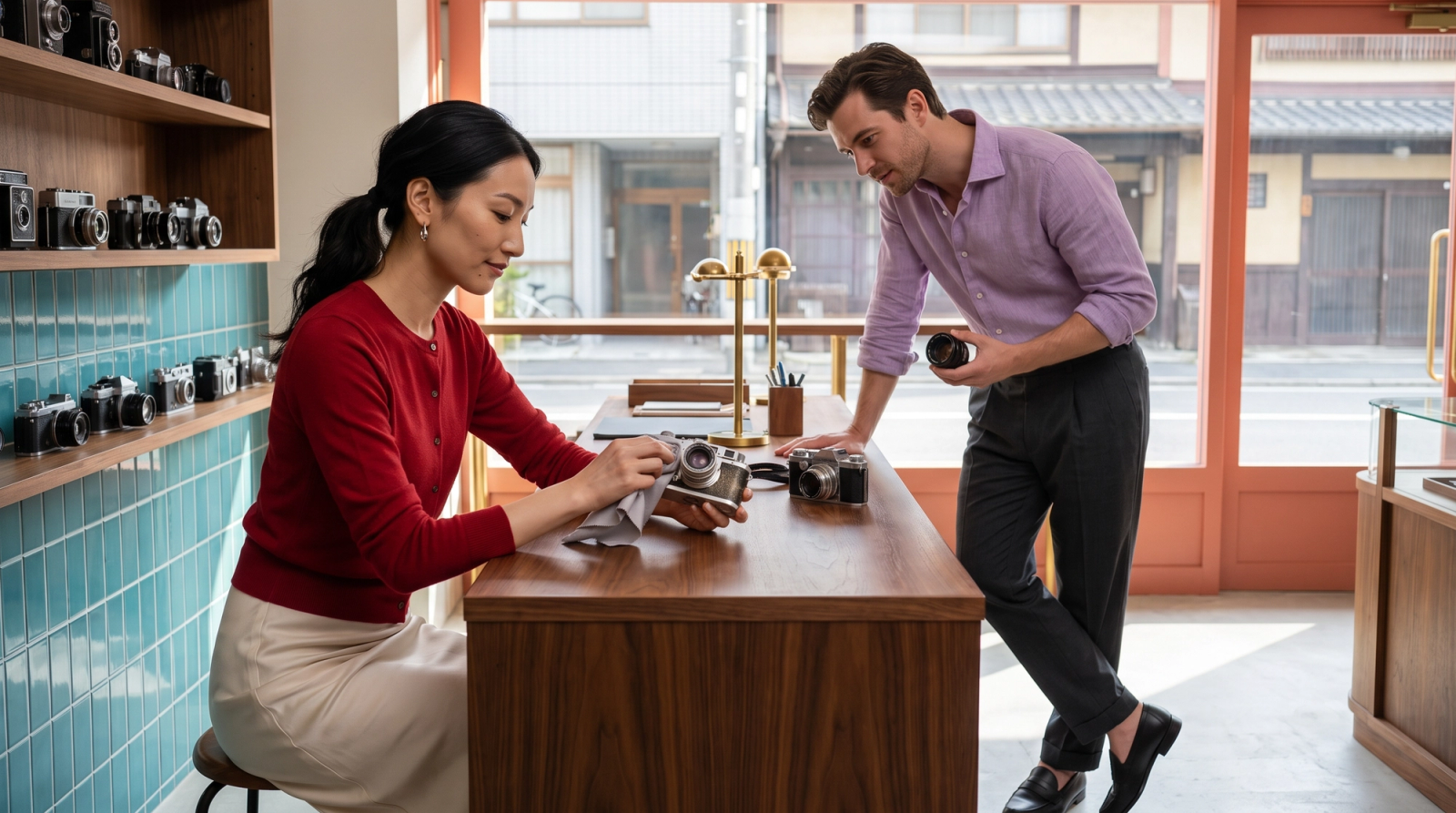
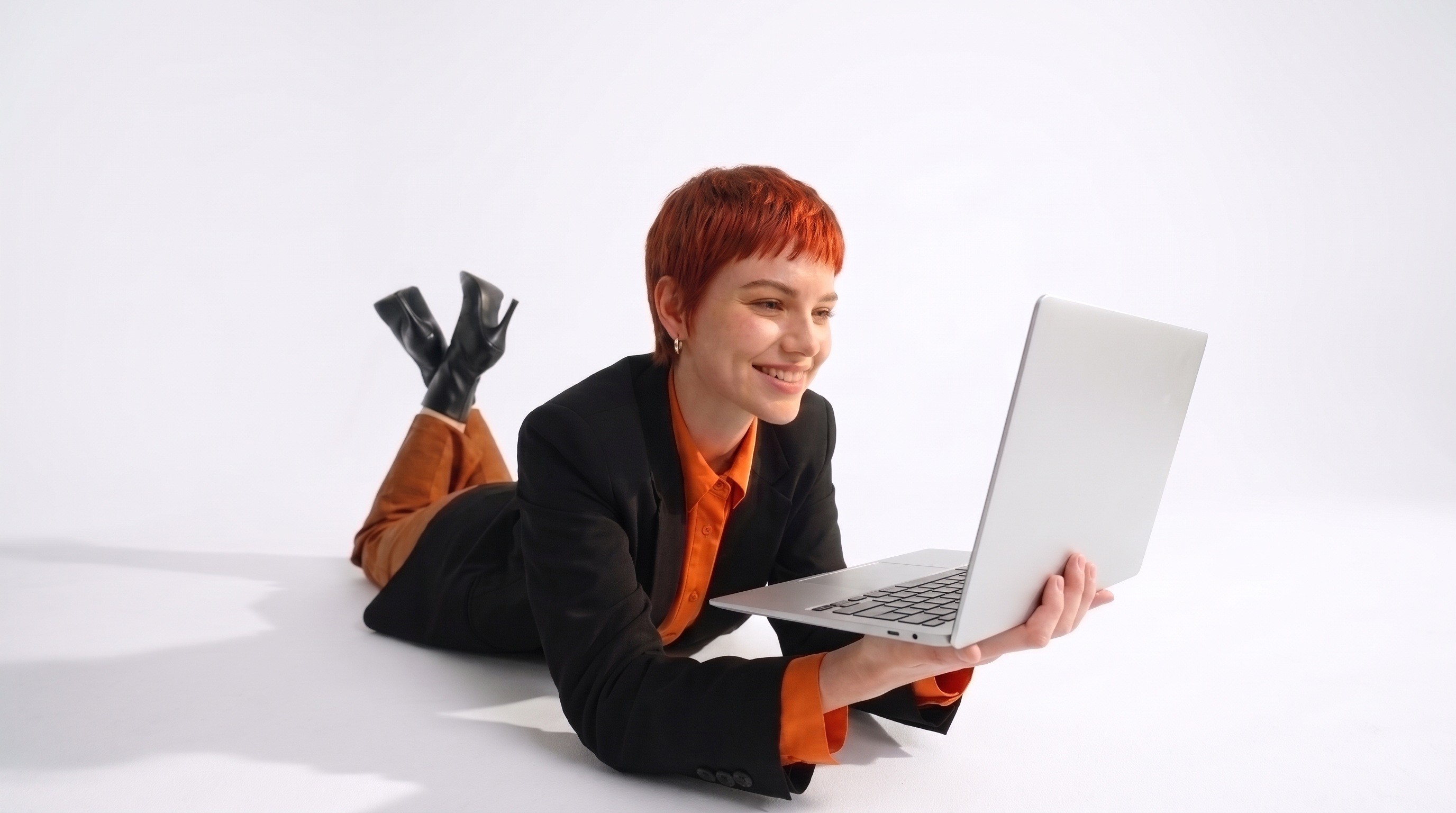
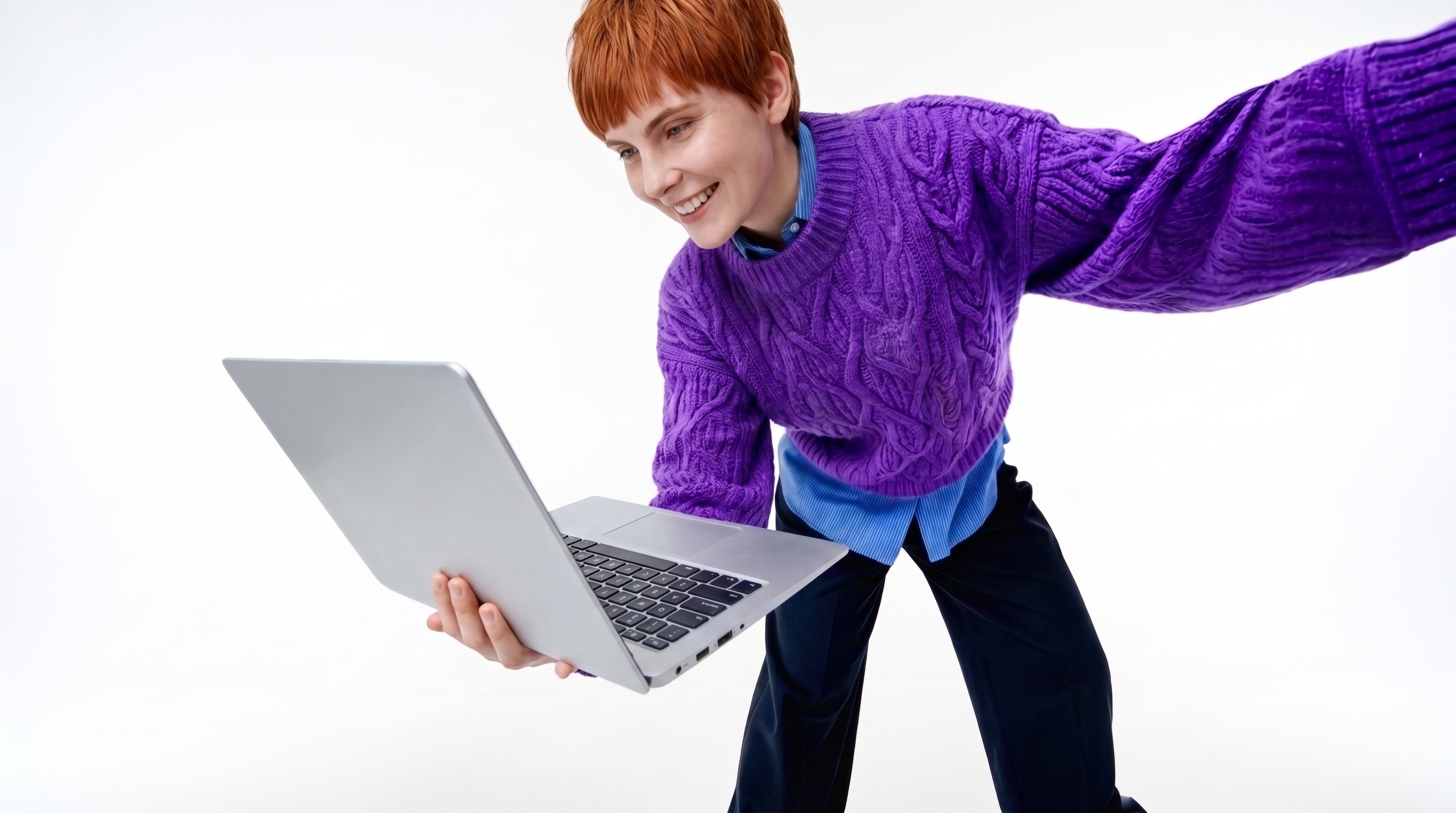
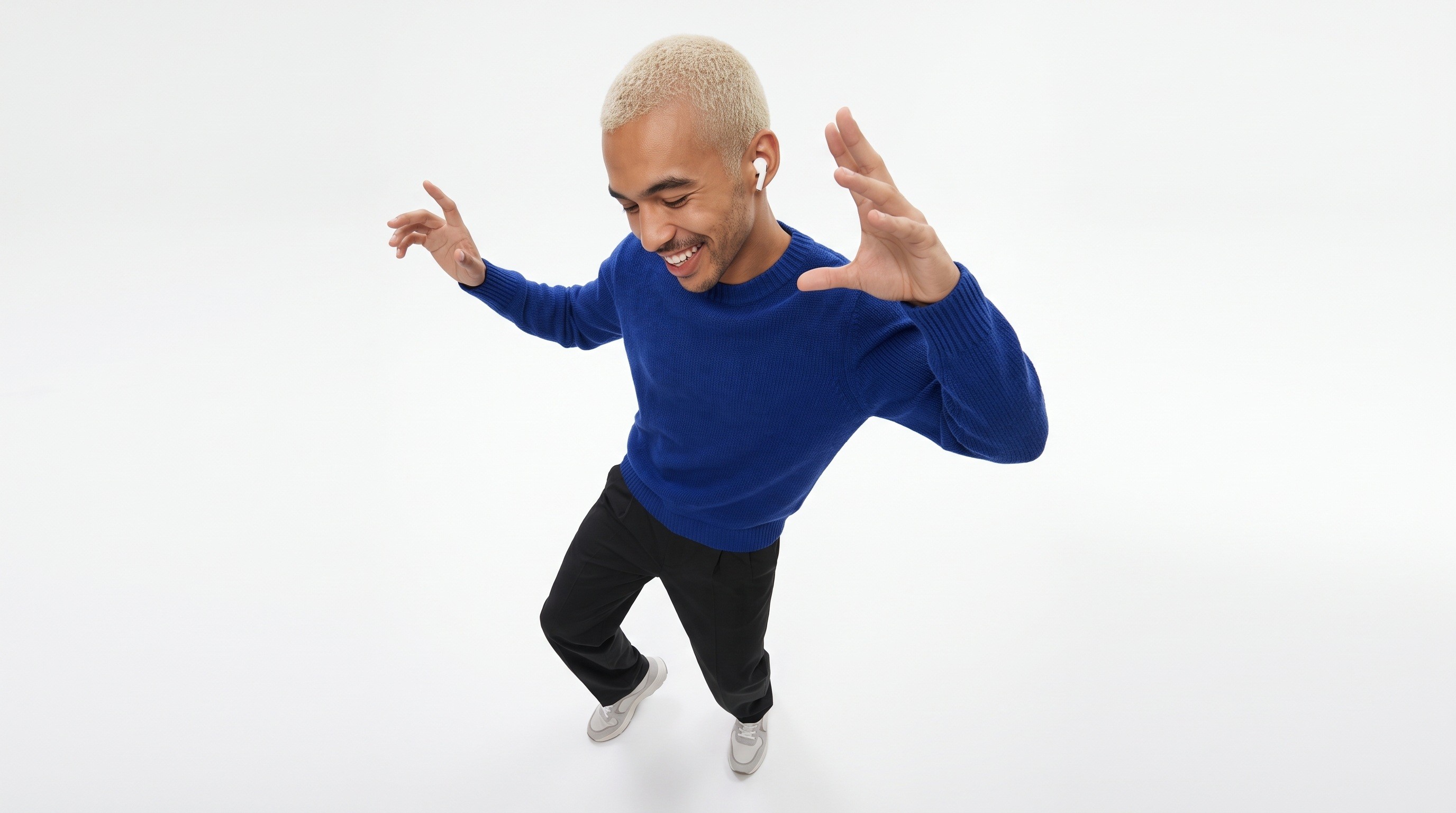
We started with a reference image and applied multiple edits. The results remained highly consistent with the original image while accurately following the editing instructions. Instead of just applying a style change, the model seemed to account for how objects, lighting, and surroundings relate to each other. That makes it much more useful for professional creative work.
After testing MAI-Image-2.5, it feels like Microsoft is pushing image editing toward more practical, production-ready workflows. Instead of focusing only on creating new images, the model is built for real editing tasks:
- Improving existing images
- Creating marketing variations
- Modifying products
- Restoring images while keeping the original details
Why AI Image Editing Is Harder Than Image Generation
A good editor needs more than visual creativity. An editor needs to know:
- Which parts of the image should stay unchanged
- How objects interact with the environment
- How lighting and shadows should behave
- How to keep faces, products, and styles consistent
- How to follow detailed editing instructions
Many AI image generators can create impressive images but struggle when asked to make precise changes. A small edit can accidentally change a person's face, a product's shape, the colors, or the overall composition.
MAI-Image-2.5 for Image Restoration and Cleanup
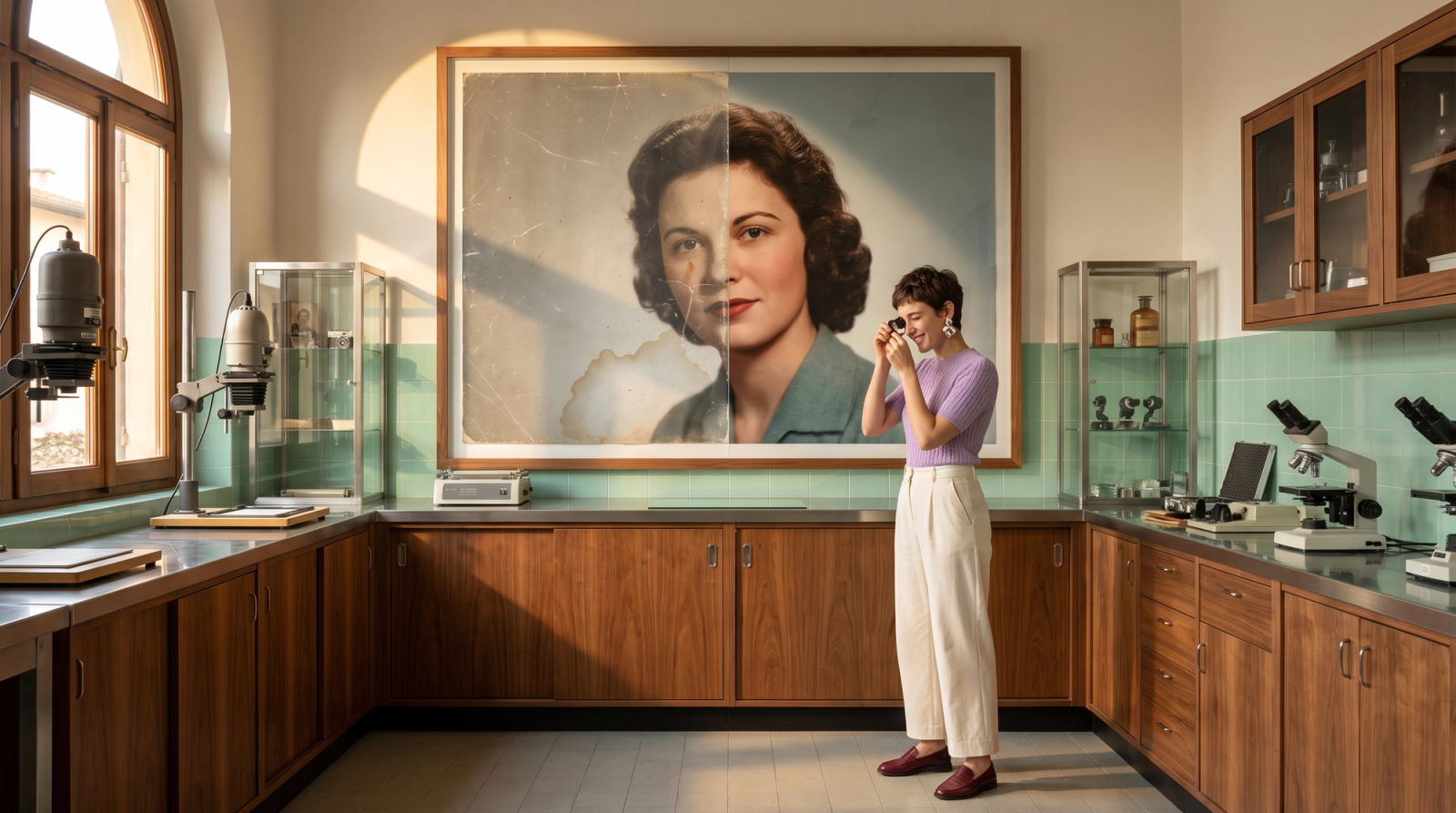
Restoring old or low-quality images is another area where one-click editing shows real promise. The challenge isn't just raising the resolution. It's improving quality while keeping the original character of the image.
In our tests, it removed scratches and faded spots from old photos without changing the faces or the original look.
According to Microsoft, the model can handle:
- Removing objects
- Replacing objects
- Changing attributes like color or material
- Inpainting (filling in missing or damaged areas)
- Image enhancement
It does all of this without throwing off the image's composition or layout.
MAI-Image-2.5 Resolution: How Big Can Images Be?
MAI-Image-2.5 creates images up to 1,048,576 total pixels, which is the same as a 1024×1024 image. Either side can go past 1024 pixels, as long as the total stays within that limit. So a wider image will be shorter, and a taller image will be narrower.
It supports these aspect ratios:
- 1:1 (square)
- 4:3 and 3:4
- 16:9 and 9:16
- 3:2 and 2:3
This size works well for websites, social media, presentations, and apps. It's not built for large print. If you need a bigger file, plan to upscale the image with a separate tool.
If resolution matters most, MAI-Image-2.6, Microsoft's newer model, supports up to 1.5K resolution.
MAI-Image-2.5 Prompts: Tips and Examples
The model follows detailed instructions well, but clear prompts still get better results. Here's what works:
Be specific about what to change. "Change the background to a white studio backdrop" works better than "make the background nicer."
Say what should stay the same. For example: "Keep the model's face, pose, and outfit unchanged."
Make one edit at a time. If a long prompt with several changes misses part of your request, split it into separate edits.
Describe the lighting and mood. Words like "soft daylight," "golden hour," or "studio lighting" help the model match the look you want.
Put any text in quotes. If you want words on a label or poster, write them exactly as they should appear.
Example prompts:
- Text-to-image: "A matte black coffee bag on a wooden counter, label reads 'Morning Roast,' soft morning light, shallow depth of field, product photo style"
- Editing: "Replace the gray background with a bright beach scene. Keep the product, its shadow, and the lighting on it unchanged."
- Restoration: "Restore this old family photo. Remove scratches and dust, sharpen the faces, and keep the original black-and-white look."
For more on writing prompts, see our guide on prompting strategies for text-to-image models.
How to Generate Images With AI
If you're new to AI image generators, here's the basic process:
- Pick a tool. Choose an AI image generator that fits your task. Some are better at realistic photos, others at illustrations or editing.
- Write your prompt. Describe the subject, setting, style, and lighting.
- Choose a size. Pick an aspect ratio that matches where the image will be used, like 9:16 for Stories or 16:9 for YouTube thumbnails.
- Generate and review. Look for errors in faces, hands, text, and small details.
- Edit and refine. Use editing prompts to fix problems instead of starting over.
Where Can You Use MAI-Image-2.5?
MAI-Image-2.5 is a closed model, so you can only use it through Microsoft's own products and partners:
Microsoft Foundry: Developers can access it through the API
MAI Playground: Microsoft's space for trying its AI models
Microsoft 365 apps: It powers image features in PowerPoint and OneDrive
Bing Image Creator
Third-party platforms: Some platforms, like OpenRouter, also give you access to it
Our Verdict: Is MAI-Image-2.5 Worth Using?
MAI-Image-2.5 is one of the better AI image generators for editing. If you need to change part of an image without redoing the whole thing, it's worth trying.
What it does well:
- Precise edits that leave the rest of the image alone
- Keeping faces and products consistent across edits
- Cleaning up and restoring old or damaged photos
- Creating multiple versions of the same visual
Where it falls short:
- Output is capped at about 1 megapixel, so it's not made for large print
- It's a closed model, so you can only use it through Microsoft's products and partner platforms
- MAI-Image-2.6 is now available, with higher resolution
What MAI-Image-2.5 Means for Creators
For creators, designers, marketers, e-commerce teams, and anyone who works with visual content, editing models like this are quickly becoming a normal part of the creative process. MAI-Image-2.5 is coming soon to Videfy's video creation platform for users who want more precise, controllable image editing.
Once your visuals are ready, you can turn them into videos for every platform. Our guide to the best video creation workflow shows you how.
Frequently Asked Questions
What is MAI-Image-2.5?
MAI-Image-2.5 is Microsoft's AI image generator and editing model, released on June 2, 2026. It creates images from text prompts and makes precise edits to existing images. It's built to keep faces, products, and layouts consistent across edits.
What is the maximum resolution of MAI-Image-2.5?
MAI-Image-2.5 creates images up to 1,048,576 total pixels, the same as 1024×1024. Either side can be longer than 1024 pixels, as long as the total stays within the limit.
What aspect ratios does MAI-Image-2.5 support?
It supports 1:1, 4:3, 3:4, 16:9, 9:16, 3:2, and 2:3. That covers most formats for social media, websites, and presentations.
How do I write good MAI-Image-2.5 prompts?
Be specific about what you want to change and what should stay the same. Describe the lighting and style, and put any on-image text in quotes. For complex edits, make one change at a time.
Can MAI-Image-2.5 edit existing images?
Yes. Editing is one of its biggest strengths. It can remove or replace objects, change colors and materials, fill in damaged areas, and restore old photos while keeping the rest of the image intact.
What's the difference between MAI-Image-2.5, Flash, and Pro?
MAI-Image-2.5 is the standard model. Flash is a faster, lower-cost version for high-volume work. Pro is the highest-quality version, made for projects where accuracy and consistency matter most.
Where can I use MAI-Image-2.5?
You can use it through Microsoft Foundry, MAI Playground, PowerPoint, OneDrive, and Bing Image Creator. Some third-party platforms also give you access.
How do I generate images with AI?
Choose an AI image generator and describe the image you want in a prompt. Pick a size, generate the image, and then refine it with editing prompts until it looks right.
Is there a newer version of MAI-Image-2.5?
Yes. Microsoft released MAI-Image-2.6 in August 2026. It supports higher resolutions, up to 1.5K, and adds new editing features.