Effective Prompting Strategies for Text-to-Image Generation Models
Explore practical iteration strategies to improve image quality while reducing unnecessary attempts and generation costs.
You need your existing communication skills to write good prompts for generative models for various tasks like text-based image generation. It is very similar to giving directions to your team and sharing your vision.
If you have freshers on your team, you need to provide more context and background about the project and certain tasks. Similarly, image generation models require complete context for every new session because they do not have built-in memory.
Here, we will summarize some effective strategies and core elements to include in prompts for image generation. The best way is to start simple, use plain language, and accept iteration as part of the creative process.
Ingredients Search
The first attempt might not give you perfect results. Similar to designing, writing, and filming, all creative work involves multiple processes before reaching the final product, including drafting, collaborating, and refining. The same goes for generative content creation using image generation models.
Seasoned creators often start with simple workflows to refine their vision while also exploring other ideas and directions they may not have initially imagined.
Iteration Tactics
You can follow both approaches, but each has its own pros and cons when planning creative content:
- Start from scratch: Add one element at a time and gradually introduce more details in each iteration.
- Start with a detailed prompt: This can reduce the number of attempts, but it may also restrict the model’s creativity by encouraging it to follow your instructions more strictly.
What Precise Prompting Can Do in Text-to-Image Generation
The core elements that provide greater control and affect the desired output are:
- Subject (The “What”): The primary focus, described with specific details rather than vague terms. What or who is being shown, including appearance, key attributes, and quantity.
- Action / Pose: What the subject is doing or how it is positioned.
- Setting / Environment: Where the scene takes place and important surroundings.
- Composition / Camera: Framing, camera position, angle, shot type, perspective, and spatial relationships.
- Lighting: Light source, direction, quality, intensity, and time-of-day when relevant.
- Visual Style / Medium: Photorealistic, illustration, editorial, cinematic, watercolor, 3D, etc.
- Color / Mood: Important palette, atmosphere, and emotional tone.
- Parameters: Elements that must remain fixed or specific requirements such as aspect ratio, text placement, or exclusions.
Camera angle
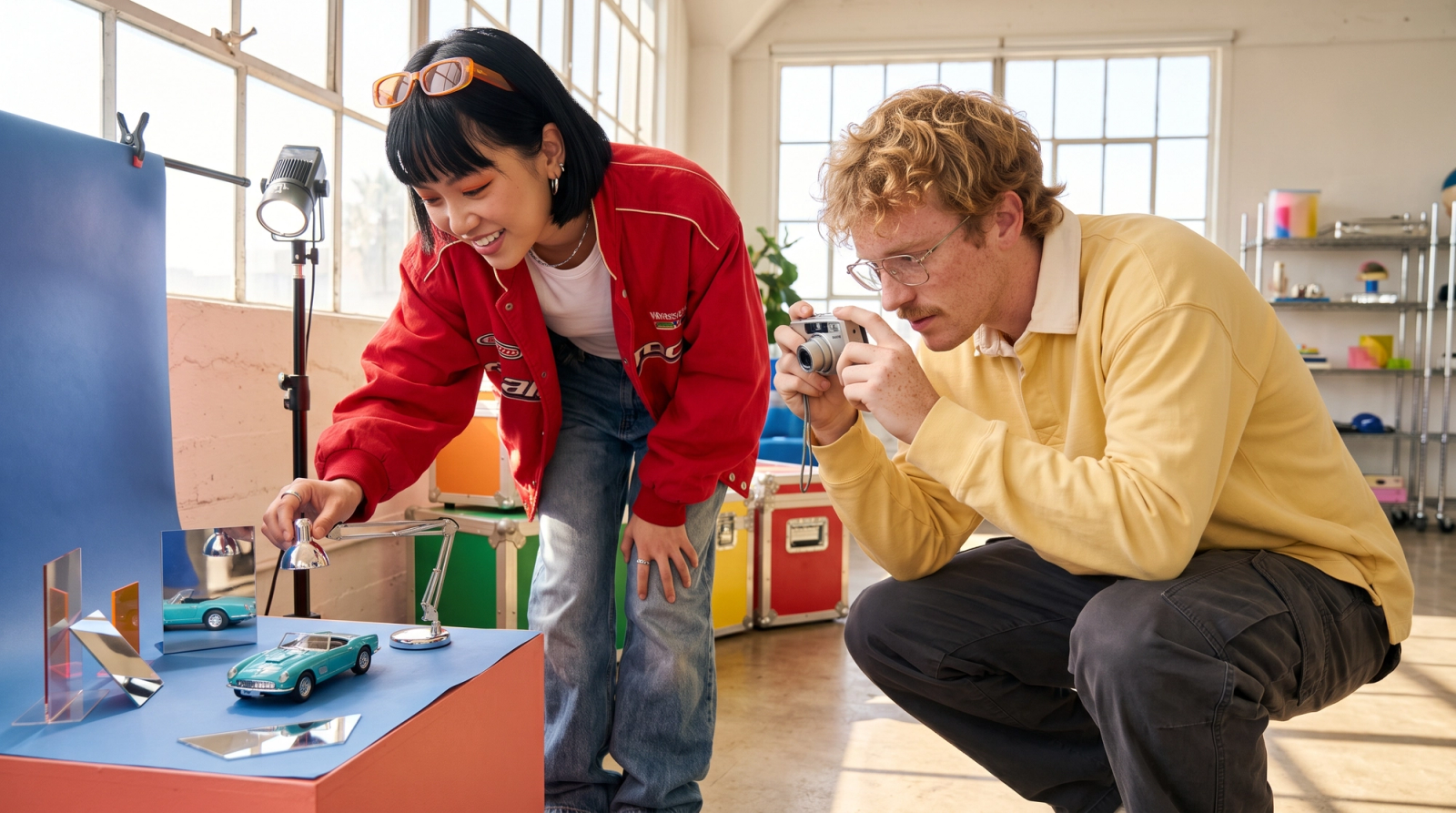
It is one of the difficult elements to control while generating images using text prompts. Camera angle, framing, and perspective can directly change the viewpoint of an image. This can be controlled by combining camera position/angle + shot type + perspective, for example: “camera at ground level, looking sharply upward.”
Key Ingredients
- Lock the scene: Keep the subject, environment, lighting, time, weather, style, and visual details identical across every prompt.
- Change one variable: Modify only the camera position, angle, height, or perspective between generations.
- Preserve continuity: Treat the camera as the only changing parameter; everything else must remain fixed to maintain character, background, lighting, and style consistency.
Text Rendering
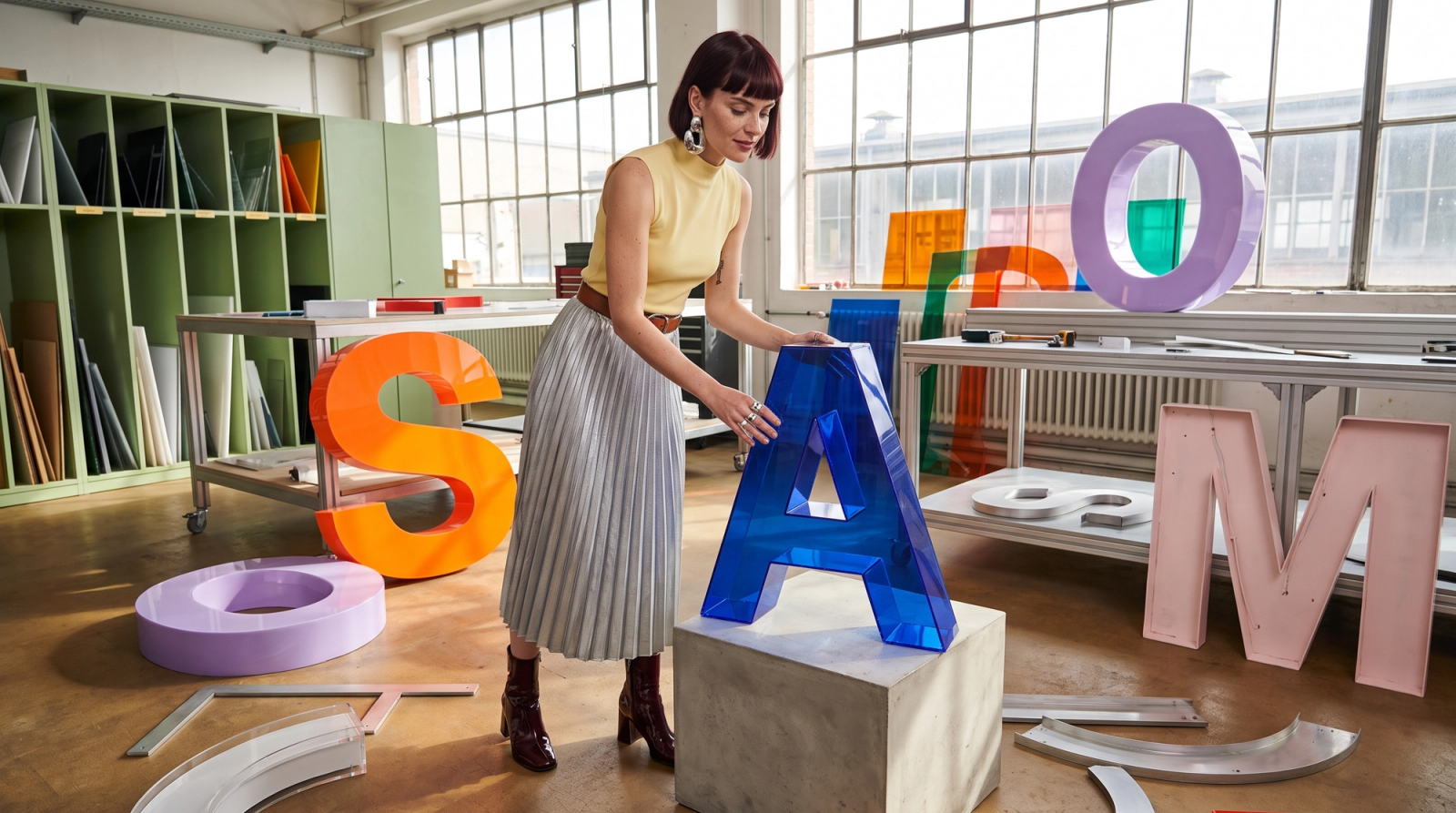
Generative models predict visual patterns rather than spelling words in the same way humans do. This makes it difficult to create exact multi-word spelling or curved logos without gibberish, missing characters, or extra letters.
A better approach is to treat the prompt like a concise creative brief: clearly define what the image should show, how the elements should be arranged, and what visual feeling it should communicate. Separate the instructions into logical sections so the model can understand subject, composition, branding, color, and style without ambiguity.
Key Ingredients
- Subject & Composition: Define the hero subject, appearance, materials, pose, position, foreground/background relationships, camera angle, and visual hierarchy.
- Text, Logo & Branding: Provide exact must-render text, font style, size, color, placement, logo requirements, and prohibit invented text or extra marks.
- Color, Style & Finish: Specify dominant and secondary colors, background, lighting, mood, realism level, depth, sharpness, and desired commercial-quality finish.
Get Competitive Results Even with More Affordable Models
GPT Image 2 vs. Nano Banana Pro vs. Zimage Turbo
When a prompt is precise and well structured, it is possible to achieve strong results even with more affordable models such as Zimage Turbo. For tasks like text rendering and ad creation, clear textual instructions play a critical role. However, reaching the desired result often requires multiple iterations, which can quickly consume credits when using premium models.
A more efficient approach is to test ideas, compositions, and early prompt drafts with a cheaper model first. This gives you greater flexibility to experiment, identify weaknesses in the prompt, and refine the instructions before moving to more expensive models for final production.
Below is a brief comparison of GPT Image 2 and Nano Banana Pro, two state-of-the-art image-generation models that can be relatively costly, with Zimage Turbo, a lightweight, open-source, and more economical alternative for creating ads from text prompts and visual concepts.