The Best HeyGen Alternatives in 2026 (Honest Comparison)
Updated September 2026 - Looking for HeyGen alternatives? Compare Videfy, InVideo, Synthesia, and Pictory on pricing, features, and use cases to find a better fit in 2026.
If you're searching for HeyGen alternatives in 2026, you're probably in one of two spots. You've tried HeyGen, liked what AI video can do, and hit a wall with the pricing or features. Or you haven't tried it yet and want an honest look at your options before you commit.
Either way, a ranked list with star ratings won't help much. What you need to know is what each tool is built for, where it falls short, and whether that matters for the videos you make.
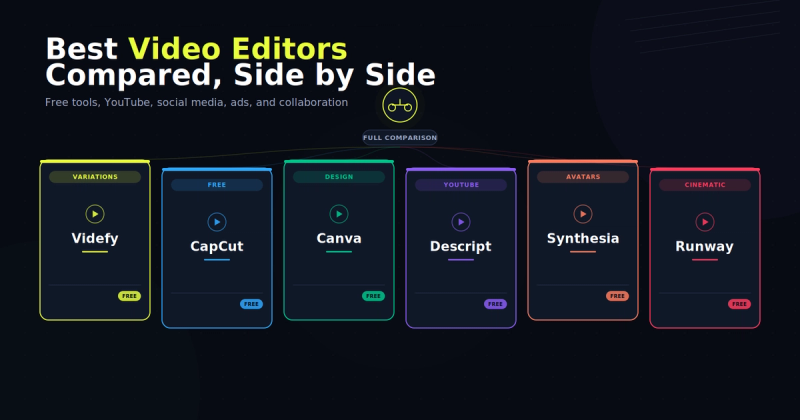
The best HeyGen alternative depends on the kind of video you make. Videfy is best for script-to-video content like YouTube videos, explainers, and marketing videos. InVideo AI works well for fast, template-based social content. Synthesia is built for corporate training videos. Pictory is best for turning existing content into short clips.
What Is HeyGen?
HeyGen is an AI video platform built around digital avatars. You type a script, pick an avatar, and HeyGen creates a video of a realistic digital presenter speaking your words. It's popular for presenter-style videos, product explainers, and translating videos into other languages.
Why People Look for HeyGen Alternatives
HeyGen is a capable product. Its avatars look realistic, and its lip-sync translation across 175+ languages is a big plus for teams creating content in multiple languages.
But there are good reasons people look elsewhere:
The credit system can be hard to predict. HeyGen plans come with a monthly pool of credits, and premium avatar videos use them up quickly. On the Creator plan, that works out to roughly 30 minutes of top-tier avatar video a month. It's easy to underestimate your costs until you've run out.
Costs add up for teams. The Creator plan starts at $29/month, and Pro starts at $49/month. For teams, the Business plan costs $149/month plus $20 for each extra seat.
It's built for avatar-led video. If you want a digital presenter doing the talking, HeyGen does that very well. If you need script-to-video workflows, B-roll-heavy content, short-form social clips, or faceless YouTube videos, it's not the best fit.
HeyGen Alternatives Compared
Pricing changes often. Check each tool's pricing page for current plans.
| Tool | Best for | Pricing model | Free plan |
|---|---|---|---|
| Videfy | Script-to-video content | Monthly plans | Yes, with watermark |
| HeyGen | Avatar-led presenter videos | Monthly credits | Yes, limited |
| InVideo AI | Fast, template-based social content | Monthly credits, no rollover | Yes, with watermark |
| Synthesia | Corporate training videos | Video minutes per month | Yes, limited |
| Pictory | Repurposing existing content | annual pricing | 14 days free trial |
Videfy: Best HeyGen Alternative for Script-to-Video
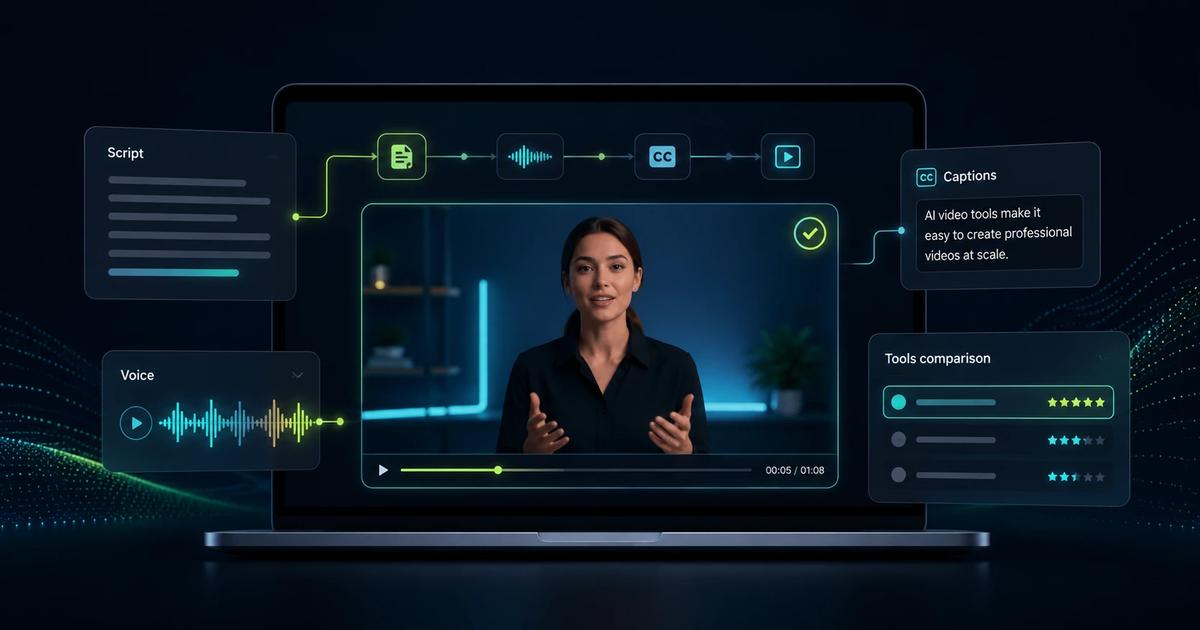
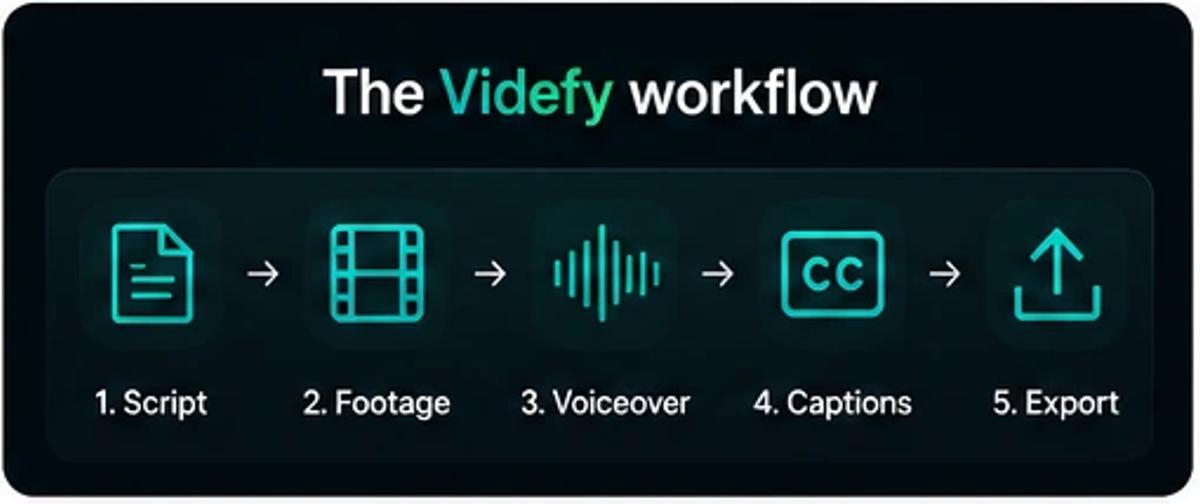
HeyGen is built around the avatar. Videfy's video generator is built around the content. You write or generate a script, and Videfy's script-to-video tools help you build the rest of the video in one place, including visuals, voiceover, subtitles, and editing. You don't need a camera or video editing experience, and you can add an avatar if you want one. If you're new to this, see our guide on how to turn a script into a video.
Where it works well:
- Faceless YouTube channels and educational content
- Script-heavy formats where the information carries the video
- Regular social media content without burning out
- Teams and agencies that need consistent output, not one-off productions
What sets it apart: The whole process happens in one place. Many creators end up using HeyGen for the avatar, then separate tools for B-roll, captions, and music. Videfy handles all of it.
Pricing: There's a free plan with a watermark, so you can test the full process before paying. See Videfy's pricing for current plans.
Our take: If your videos don't need a realistic digital presenter, Videfy handles the rest of the process well, from script to finished video. HeyGen's avatars are more realistic, but most creators don't need that level of realism.
InVideo AI: Best HeyGen Alternative for Template-Based Social Content
InVideo has a large stock media library and a polished template system. It also added generative video models, including OpenAI's Sora 2 and Google's Veo 3.1, which expanded what its prompt-to-video feature can make.
Where it works well:
- High-volume social media output
- Creators who want to go from prompt to published video with minimal decisions
- Beginners who want guardrails and templates over creative control
Where it falls short:
- AI-generated scripts often need rewriting if you care about your brand voice
- Credits don't roll over, which means inconsistent users pay for capacity they don't use
- Complex or story-driven videos can be harder to make
Our take: InVideo is built for speed and volume. If you need lots of short-form clips each month, it's a solid choice. If your content depends on a specific voice or style, expect to spend time editing what it creates.
Synthesia: Best HeyGen Alternative for Corporate Training
Synthesia focuses less on creators and more on businesses. Its customers are mostly training, HR, and internal communications teams that need to produce videos without a production crew.
Where it works well:
- Employee training and onboarding content
- Internal communications that need to look consistent and professional
- Organizations with compliance requirements (SOC 2, GDPR, CCPA)
- Multilingual rollouts where a single video needs to exist in several languages
Where it falls short:
- Minute-based pricing can get expensive for teams creating lots of videos
- It's a structured tool, so creative flexibility is limited
Pricing: Paid plans are based on video minutes. The Starter plan includes about 10 minutes of video a month, and the Creator plan includes about 30. A single detailed training video can use up most of a month's minutes.
Our take: Synthesia is a strong choice for corporate training. If you're a creator, marketer, or small business, other tools on this list will likely fit better.
Pictory: Best HeyGen Alternative for Repurposing Content
Pictory solves a different problem than the other tools. It turns content you already have, like blog posts, webinar recordings, and long videos, into shorter clips and summaries.
Where it works well:
- Repurposing blog content into video
- Clipping long webinars or podcasts into shareable highlights
- Adding captions and highlights to existing footage
Where it falls short:
- It's mainly an editing and repurposing tool, so creating original videos from scratch isn't its strength
Our take: If you have a library of content you're not getting enough use out of, Pictory can help. If you're starting from scratch, Videfy or InVideo will likely fit better.
Is There Anything Better Than HeyGen?
It depends on what "better" means for you. For realistic avatar videos, HeyGen is one of the strongest tools available. But many people searching for something better than HeyGen don't need an avatar. They need an easier way to make good videos on a regular basis.
A different tool may be the better choice if:
- You make faceless or script-based videos
- You don't need a realistic digital presenter
- You want B-roll, voiceover, and captions in one place
- You mostly make short-form social content
In those cases, tools like Videfy or InVideo are often a better match.
Free HeyGen Alternatives
Most tools on this list have a free plan, so you can test them before paying. Free plans usually come with limits, like watermarks, shorter videos, or fewer credits. For a closer look at what you can make without paying, see our guide to the best free AI video generators.
How to Choose the Right HeyGen Alternative
Skip the feature lists for a moment and ask yourself one question: what does a typical video I need to make look like?
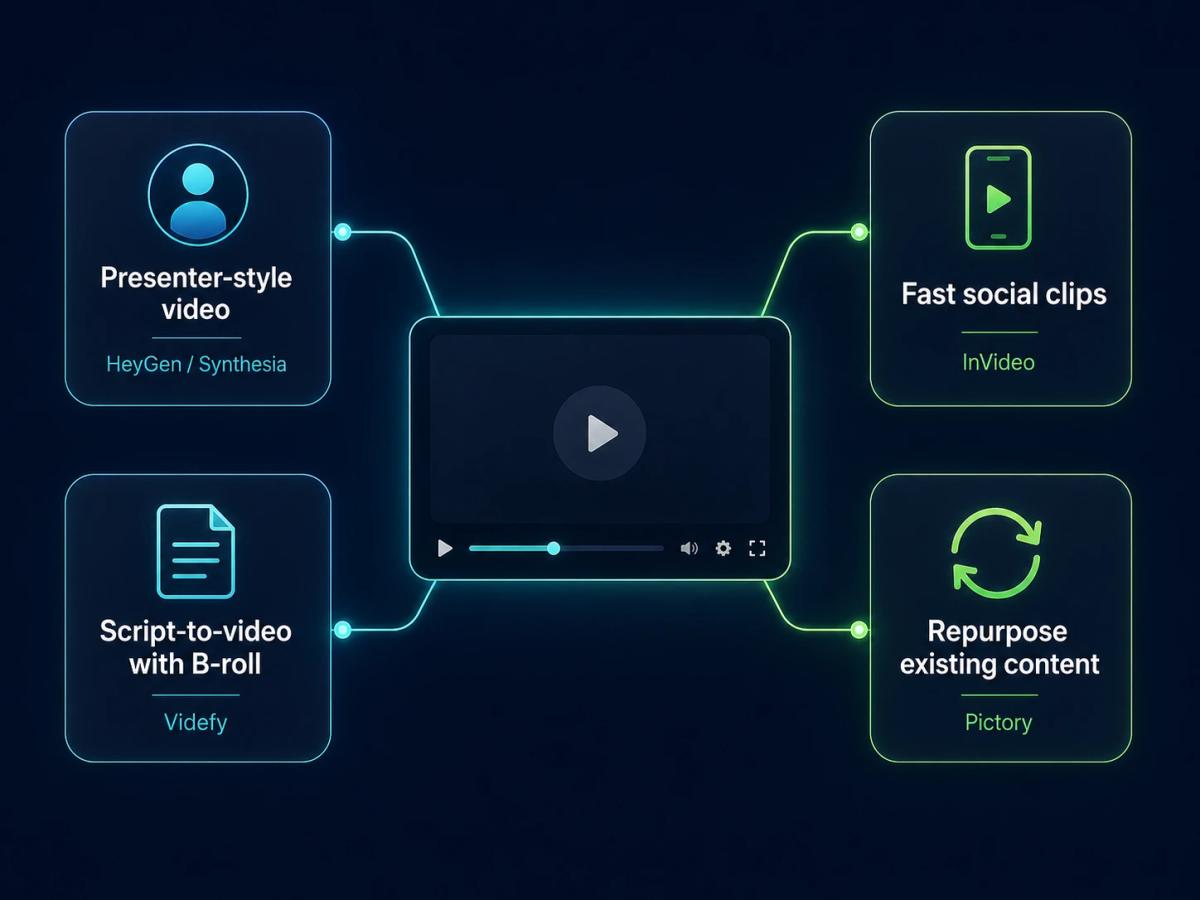
- A presenter talking to the camera? HeyGen or Synthesia, depending on whether you're a creator or a large company.
- A script-driven video with B-roll, voiceover, and captions? Videfy is built for this, whether you're making videos for YouTube, social media, or marketing.
- A quick social video from a prompt? InVideo.
- Short clips from content you already have? Pictory.
Many people found HeyGen first and later realized its pricing didn't match how they work. Most of them don't need the most realistic avatar on the market. They need a way to make good videos consistently, without worrying about running out of credits.
Frequently Asked Questions
What are the best HeyGen alternatives in 2026?
The best HeyGen alternatives in 2026 are Videfy, InVideo AI, Synthesia, and Pictory. Videfy is best for script-to-video content, InVideo for fast social videos, Synthesia for corporate training, and Pictory for repurposing existing content.
Is there anything better than HeyGen?
It depends on what you need. HeyGen is hard to beat for realistic avatar videos. For script-based or faceless videos, tools like Videfy may be a better fit.
Is there a free alternative to HeyGen?
Yes. Videfy, InVideo AI, and Synthesia all have free plans. Free plans usually include limits like watermarks, shorter videos, or fewer credits.
Why is HeyGen so expensive?
HeyGen uses a credit system, and premium avatar videos use credits quickly. Team plans also charge extra for each additional seat, so costs can add up for businesses.
What is the cheapest HeyGen alternative?
It depends on how many videos you make. Most tools have a free plan for testing, and paid plans vary by credits, minutes, or features. Check each tool's pricing page to compare current costs.
Can I make AI videos without an avatar?
Yes. Tools like Videfy let you create videos from a script using visuals, voiceover, and captions, with no avatar or camera needed.
Which HeyGen alternative is best for YouTube?
Videfy is a strong choice for YouTube, especially for faceless channels and educational videos. It handles the script, visuals, voiceover, and captions in one place.
Which HeyGen alternative is best for corporate training?
Synthesia is built for corporate training, onboarding, and internal communications. It has compliance features that larger companies often need.
Ready to try a script-first approach? Start creating videos with Videfy
Learn with Videfy
Discover tutorials, AI best practices, feature updates, and creative inspiration to level up your video production.