


Write a Video Script andTurn It Into a Video
Turn an idea or prompt into a structured video script, or refine a script you already wrote. Videfy keeps the script in the same project as your storyboard, voiceover, and edit, so you can go from script to video without copying text between tools.

From Idea to Finished Video
Start with an idea and write the video script that shapes it. From there, map the scenes, generate or upload visuals, add a voiceover and captions, and export. The script stays at the center of the project from first draft to finished video.
What You Can Do With Videfy
Generate a Video Script From an Idea
Describe your topic, audience, or goal in a short prompt, and Lyra, Videfy’s AI creative director, turns it into a clear, structured draft. You get a starting point in place of an empty document, then shape it into exactly the message you want. This works for short social clips, product explainers, tutorials, and longer videos alike.

Refine and Format Your Script
Already have a script? Paste it in and refine it before production. Rework lines, tighten the wording, and reorder sections until the pacing feels right. A clear video script format, with each section tied to what appears on screen, makes the next steps faster, from storyboarding to voiceover. It’s also the cheapest time to get feedback, while the script is still a draft.
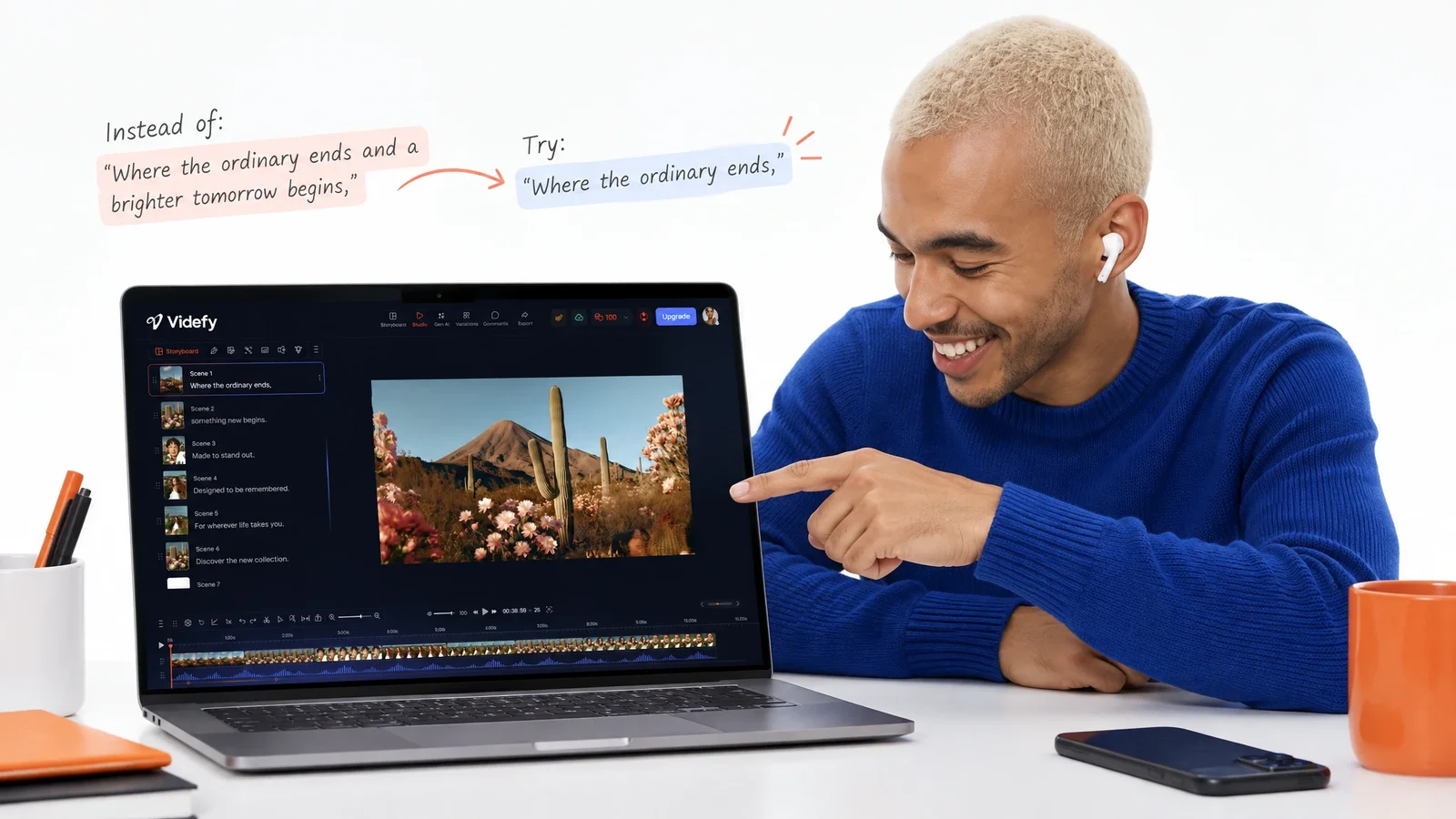
Turn Your Script Into a Video
When the script is ready, go from script to video without leaving the project. Break it into scenes in a storyboard, generate or upload visuals for each one, and turn the written text into a natural-sounding voiceover in your chosen voice and language. Then generate, time, and style captions so every scene lines up with the script.
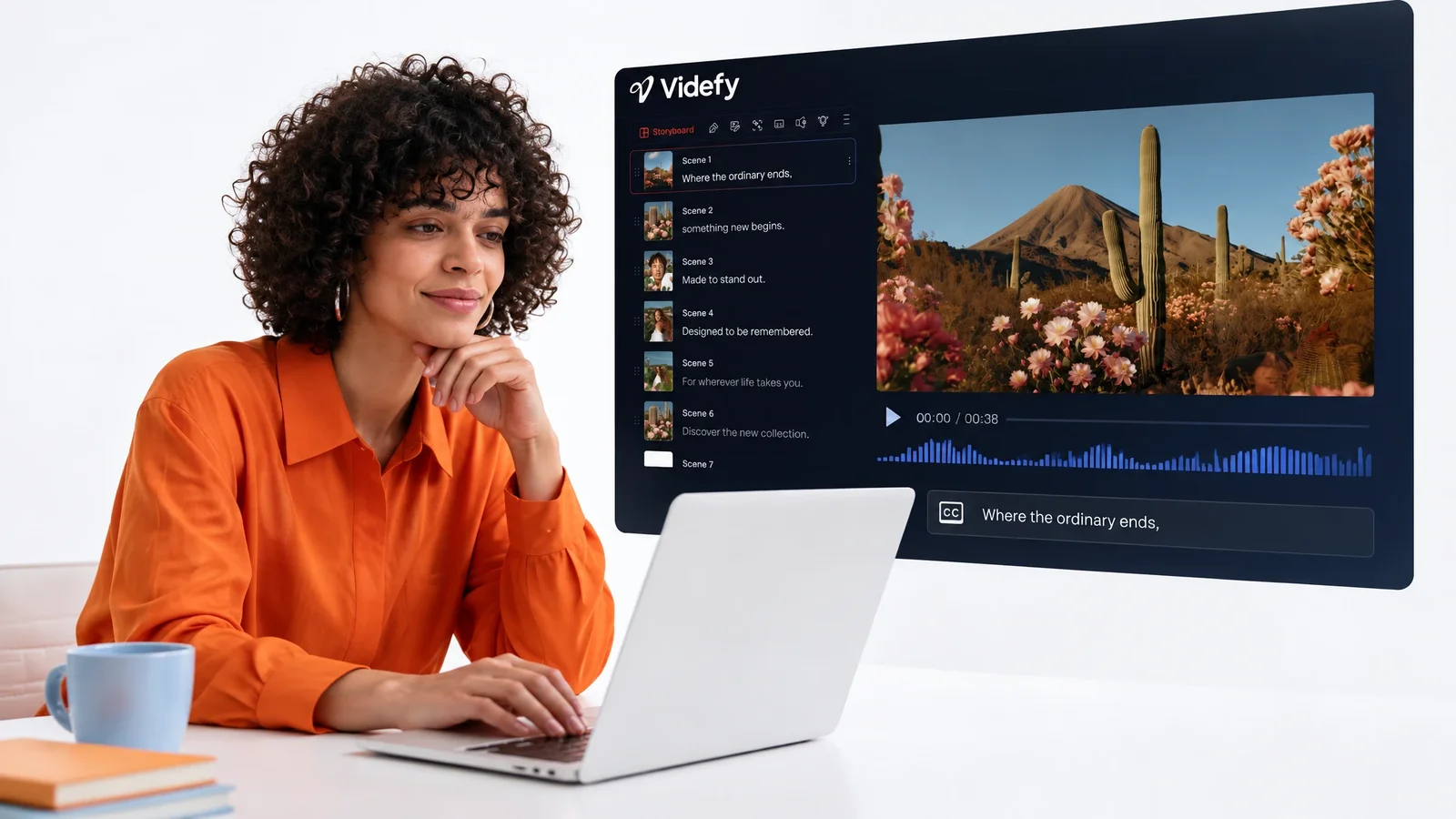
Video Scripts in the Video Creation Workflow
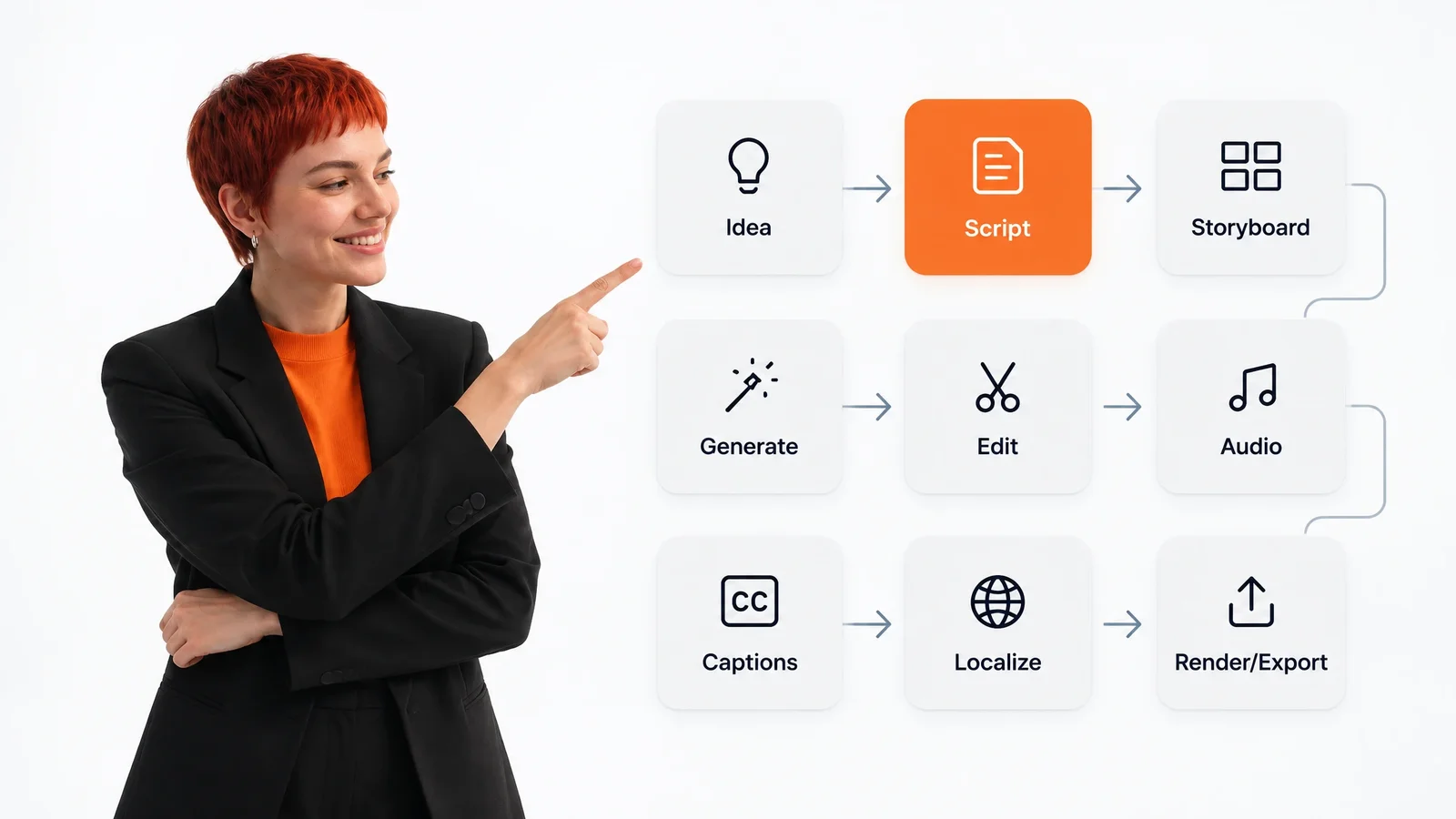
Idea → Script → Storyboard → Asset Generation → Video Generation → Editing → Voiceover/Audio → Subtitles → Render/Export
- Idea

- Script
- Storyboard
- Asset Generation
- Video Generation
- Editing
- Voiceover/Audio
- Subtitles
- Render/Export
The script is the second stage of the workflow, right after the idea. It turns a rough concept into specific words, sections, and a running order. Every later stage uses it: the storyboard splits it into scenes, and the visuals, voiceover, and captions all follow its lines.
A weak script is expensive to fix later. If the message changes after editing, scenes, narration, and captions may all need rework. A finished video script settles those choices early, when a rewrite is quick.
In Videfy, the script stays connected to the rest of the video creation workflow. It carries into storyboarding, voiceover, captions, and translation, so the finished video follows the words you wrote instead of drifting from them.
How to Write a Script for a Video
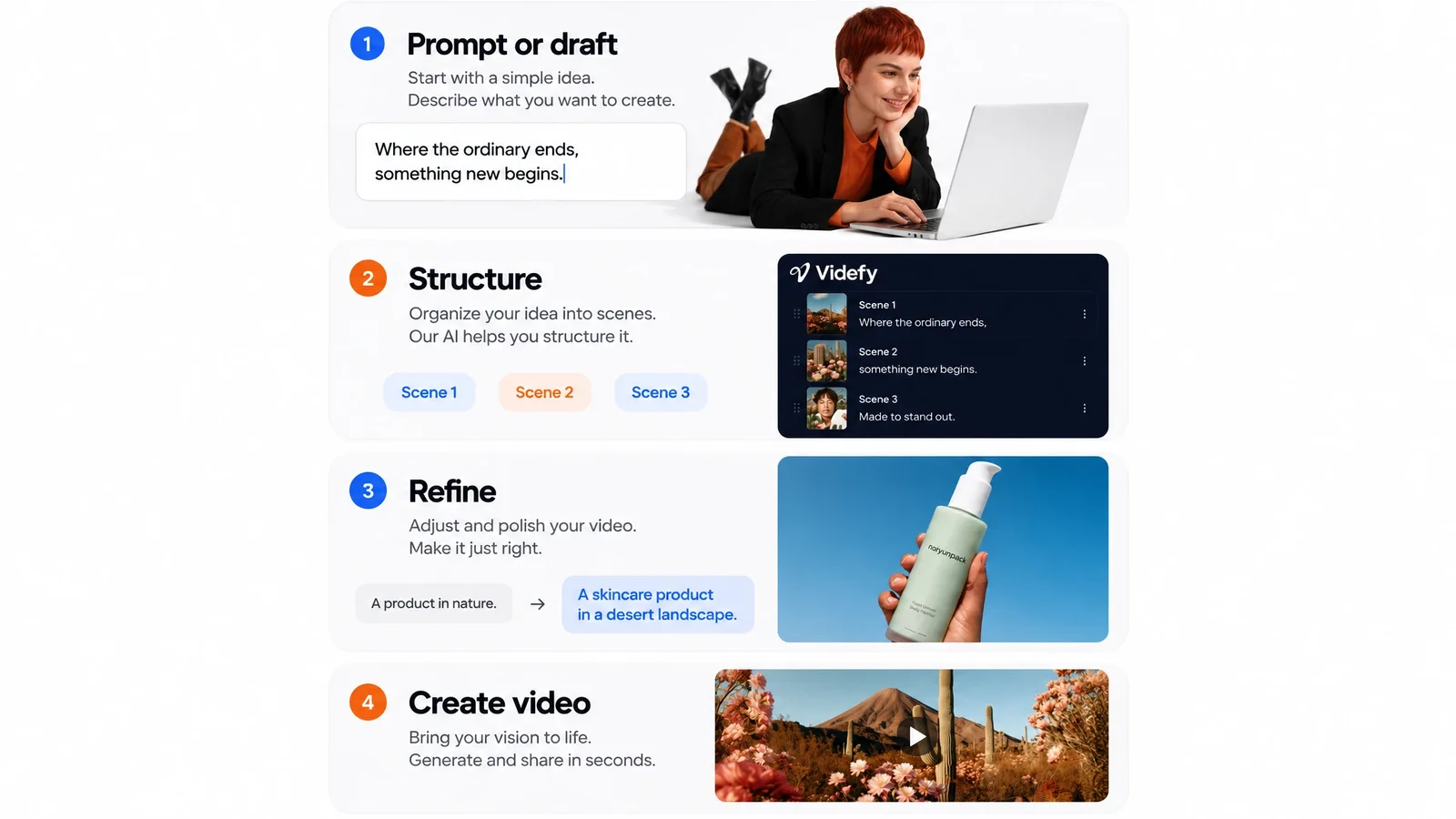
Four steps take you from a blank page to a finished script and a video built from it.
Start With a Prompt or Draft
Describe your idea to Lyra in a short prompt to generate a script, or bring in a script you already wrote. Either way, you start with words on the page.
Shape the Structure
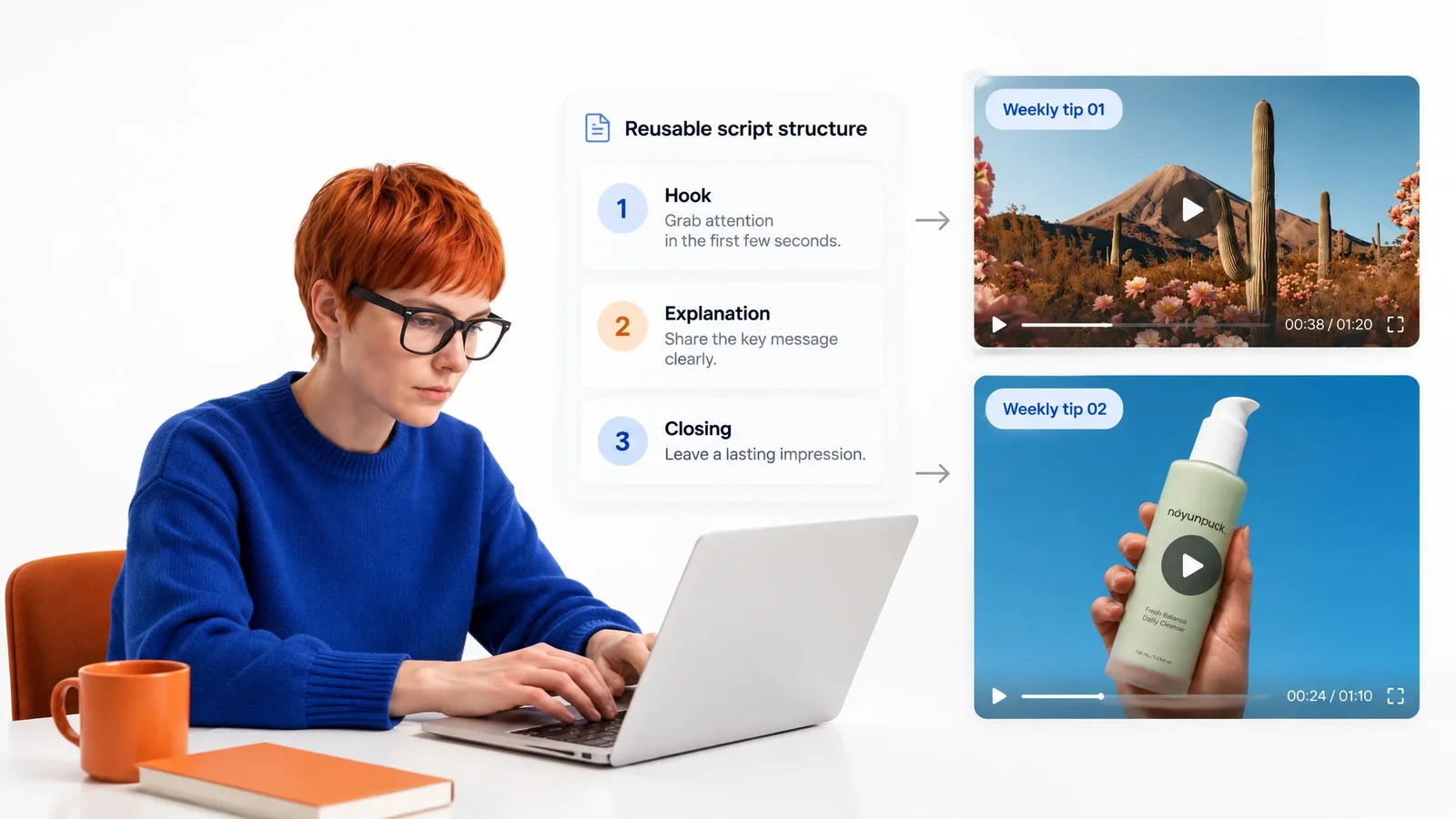
Follow a simple video script format: an opening, main points, and a closing. Put the hook first, keep each section focused on one idea, and end with a clear next step.
Refine the Wording
Read the script out loud and cut anything that sounds stiff. Shorter sentences are easier to follow on screen and work better when you turn the text into a voiceover.
Go From Script to Video
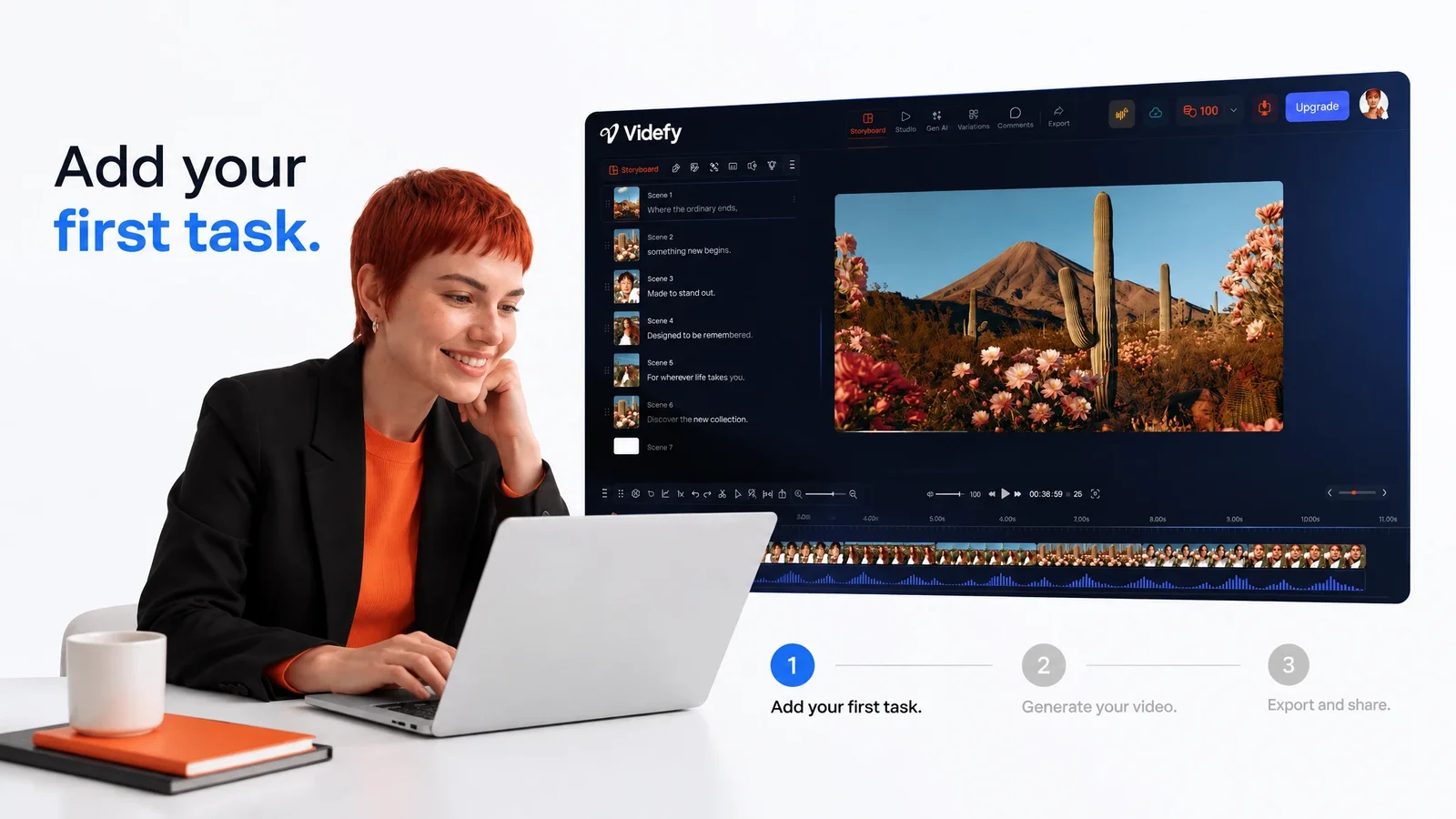
Map the script into scenes, add the visuals each scene needs, create a voiceover and captions, and export. Every scene traces back to a line in the script.
Keep Control Over Every Line of Your Script

A generated script is a starting point. You decide what stays, what gets cut, and what gets rewritten. Change the hook, adjust the tone, swap examples, or rewrite a section in your own words until the script sounds like you.
The script also stays editable after production starts. If you change a line later, you can update the scenes, voiceover, and captions to match instead of starting over.
Lyra helps you reach a first draft faster, but what your video says is still your call, from the message to the angle. Use the video script generator for structure and speed, and your own judgment for what makes the video worth watching.
Video Scripts forDifferent Types of Content
Social Media Videos
Short videos need a strong hook in the first few seconds and one clear main point. Write the script around that, then, on Creator or Pro, turn the finished video into variants with different openings, lengths, or captions for each channel and for external A/B testing.
Product Videos and Tutorials
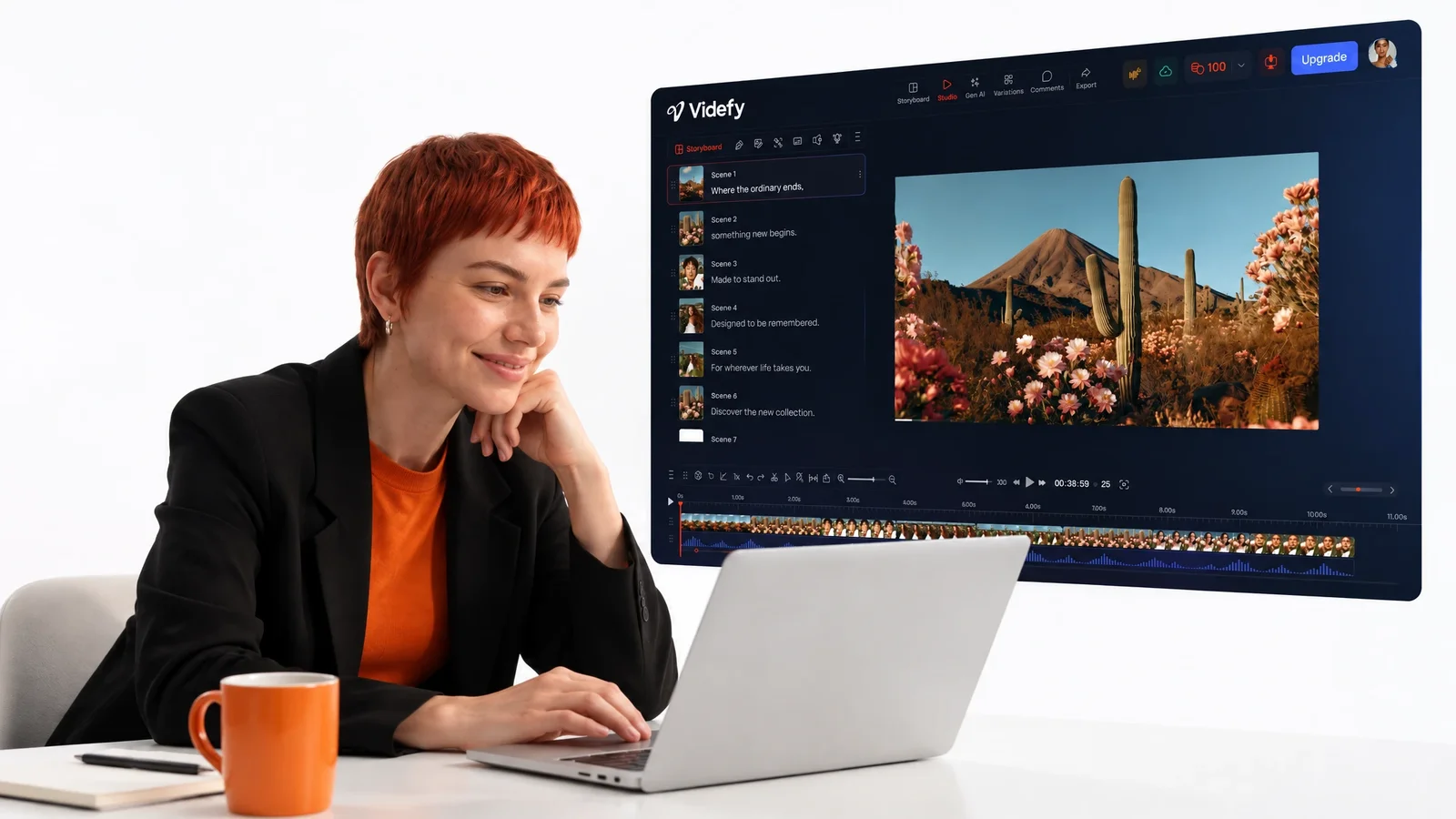
Explain one step at a time, in the order a viewer needs it. A script keeps the explanation accurate and easy to follow, and when the product changes, you can update the script and the matching scenes instead of rebuilding the whole video.
Localized Videos
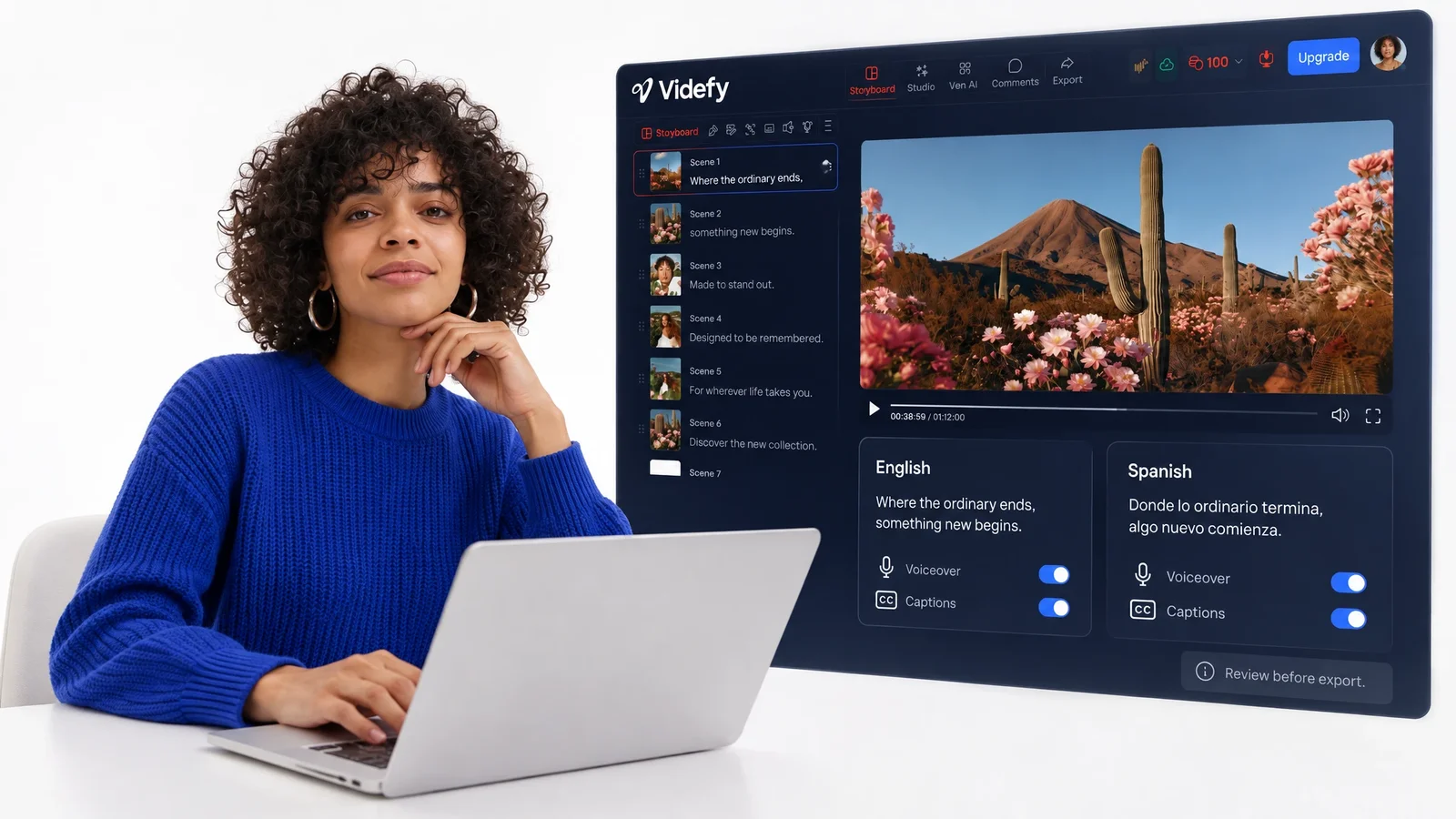
Write the script once, then translate the voiceover and captions into other languages. Because every version starts from the same script, the message stays consistent across markets while the language changes to fit each audience you want to reach. Review each version before export.
Team Video Projects
Scripts often pass through several people. On Team plans, writers, editors, and reviewers work from the same script in a shared workspace. Feedback and approvals stay with the project, so edits happen in one place and nobody creates a voiceover from an outdated draft.

Keep Your Script and Video in One Project
In many workflows, the script lives in a document and the video gets made somewhere else. Every change means copying text, re-recording narration, and fixing captions by hand, and small differences creep in between versions.
In Videfy, the script sits in the same project as the storyboard, visuals, voiceover, captions, and final exports. You can create the voiceover from the written text, generate captions, and translate both without moving the script to another tool.
This matters most when you return to a video later. Open the project, update the script, and adjust the affected scenes, then export a new version. Both versions come from one project, so repeat updates take less work each time.

Why Creators Choose Videfy for Video Scripts
Videfy is an all-in-one video production workspace, so the script isn’t a separate file you hand off. It’s the first working part of the video, and everything you produce after it builds on the same words.
It’s built for video creation that scales. Once a script structure works, it becomes your video script template for new videos, such as a weekly series or recurring product updates. On Creator and Pro, one finished video can become variants with different hooks or lengths for external A/B testing, and Video Automation helps you update related videos without rebuilding each one.
Keeping the script inside the production workflow means the effort you put into the words carries all the way to the final export.
Frequently asked questions
FAQ
A video script is the written plan for what a video says and shows. It includes the spoken lines or voiceover, the order of sections, and notes on what appears on screen. A good script keeps the message focused and guides every production step that follows.
Start with one goal and one audience. Open with a hook, cover one point per section, and end with a clear call to action. Keep sentences short so they work as a voiceover, then read the script out loud and cut anything that sounds stiff. In Videfy, you can generate a first draft from a short prompt.
A simple format works for most videos: split the script into sections, and for each one, list the spoken lines, what appears on screen, any on-screen text, and a rough length. A two-column layout, with words on one side and visuals on the other, makes the script easy to storyboard.
Yes. A basic video script template has one row per section, with columns for the spoken lines, what appears on screen, on-screen text, and length. Once a structure works for you, reuse it for new videos, or open a past Videfy project and swap in the new script.
Describe your idea, topic, or goal in a short prompt. Lyra, Videfy’s AI creative director, turns it into a structured video script you can edit line by line. You can also paste in an existing script to refine it. When the script is ready, it moves straight into storyboarding and production.
Yes. The script stays in the same project as the rest of the video. Break the script into scenes, generate or upload visuals, turn the text into a voiceover, add captions, and export. Script to video happens in one project, without moving files between tools.
Yes. Videfy turns written text into a natural-sounding voiceover in the voice and language you choose. You can then generate, time, and style captions, and translate the voiceover and captions for localized versions. Write for the ear: short sentences are easier to follow when spoken.
Don’t start from a blank page. Give Lyra a short prompt with the goal, audience, and length, or fill in a video script template, then spend your time on the hook and the ending, since those lines matter most. Read the draft out loud once and cut what drags.

Write Your Next Video Script in Videfy,the Smart Video Creation Platform
Start with an idea or a draft, shape it into a clear video script, and turn it into a finished video. Videfy keeps your words connected to the scenes, voiceover, captions, and export, from the first line to the final file.