


Video Planning forContent Creators and Teams
Plan every video before you start producing. Video planning in Videfy turns your video ideas into a structured plan: a script, a scene-by-scene storyboard, and a clear view of the footage, images, and other assets each scene needs. When the plan is ready, production starts in the same project.

From Idea to Finished Video
Start with a rough video idea and turn it into a production plan. The plan then guides asset generation, editing, audio, and captions, so each step builds on decisions you already made. Every stage stays in one platform, from first concept to exported video.
What You Can Do With Videfy
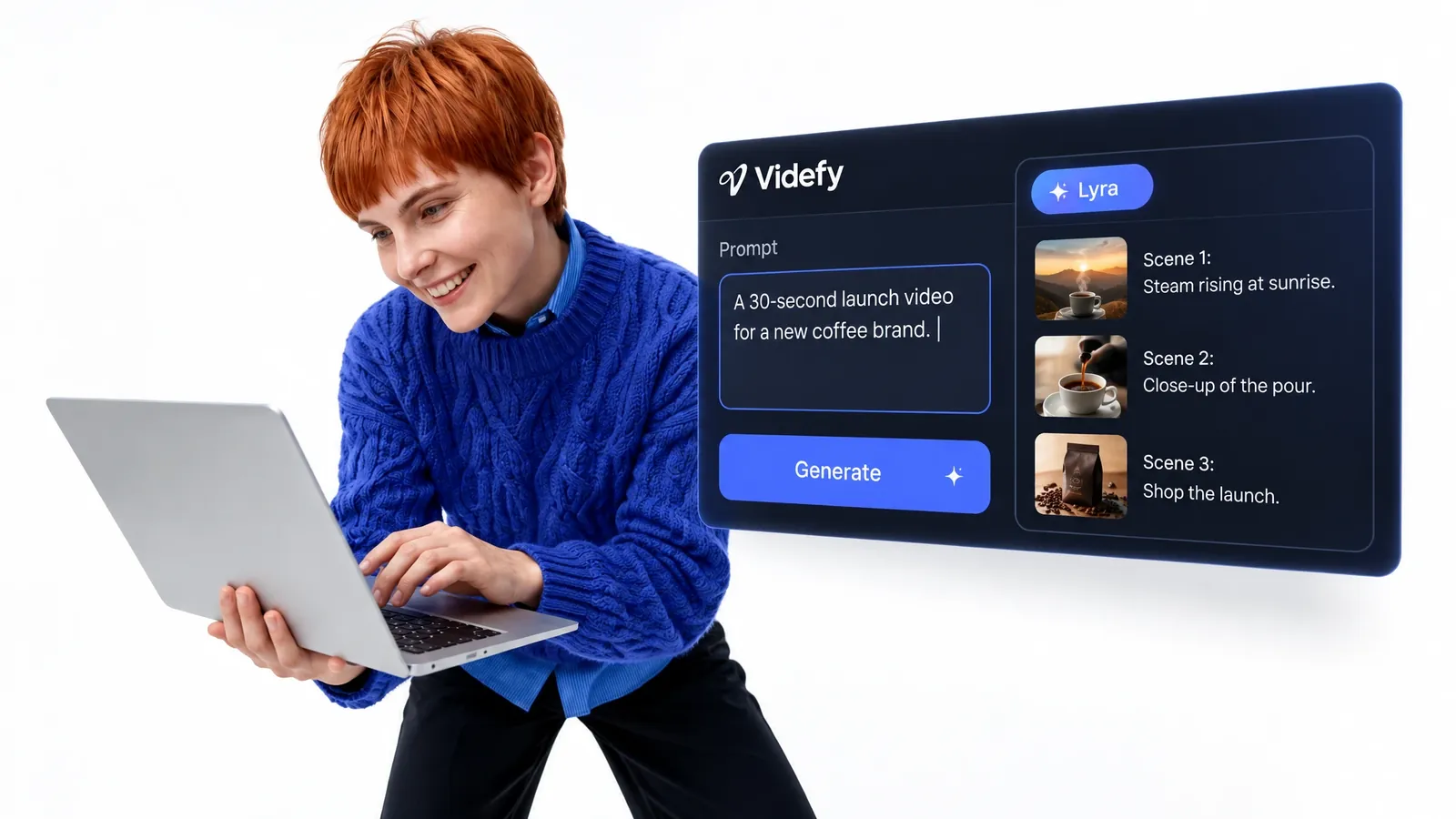
Turn Video Ideas Into a Script
Start with a prompt, a rough concept, or copy you already have. Lyra, Videfy’s AI creative director, turns it into a structured script you can refine line by line. Rework the message, tighten the wording, and reorder sections until it fits the video you want to make. This first draft becomes the base for every video planning step that follows.
Map Every Scene in a Storyboard
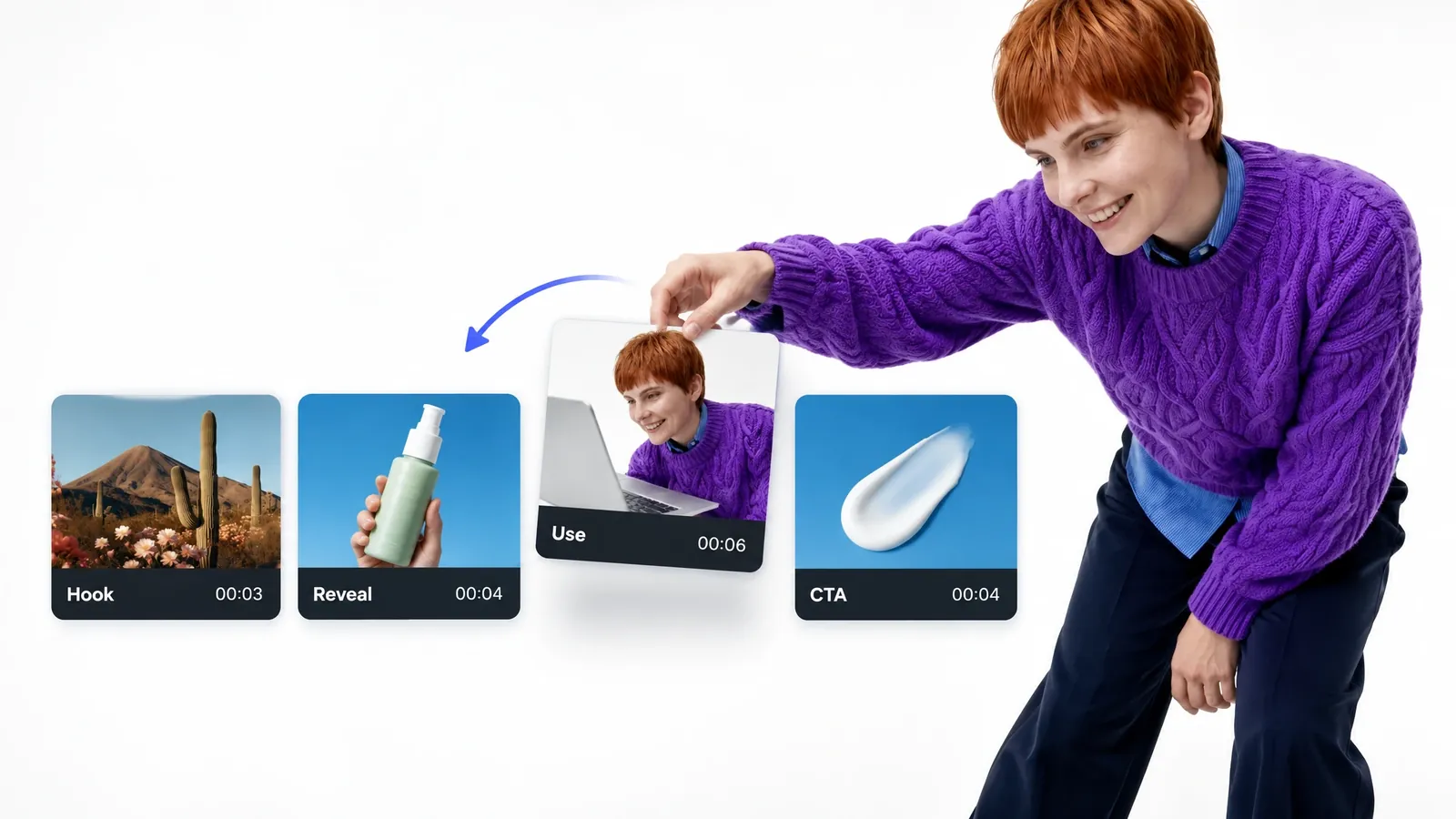
Break your plan into scenes so you can see how the video flows before any generation or editing begins. Organize the video scene by scene, reorder scenes when the structure needs work, and check that each part supports the message. Changes at this stage are quick, while the same changes after production can mean rebuilding finished work.
See What Each Scene Needs
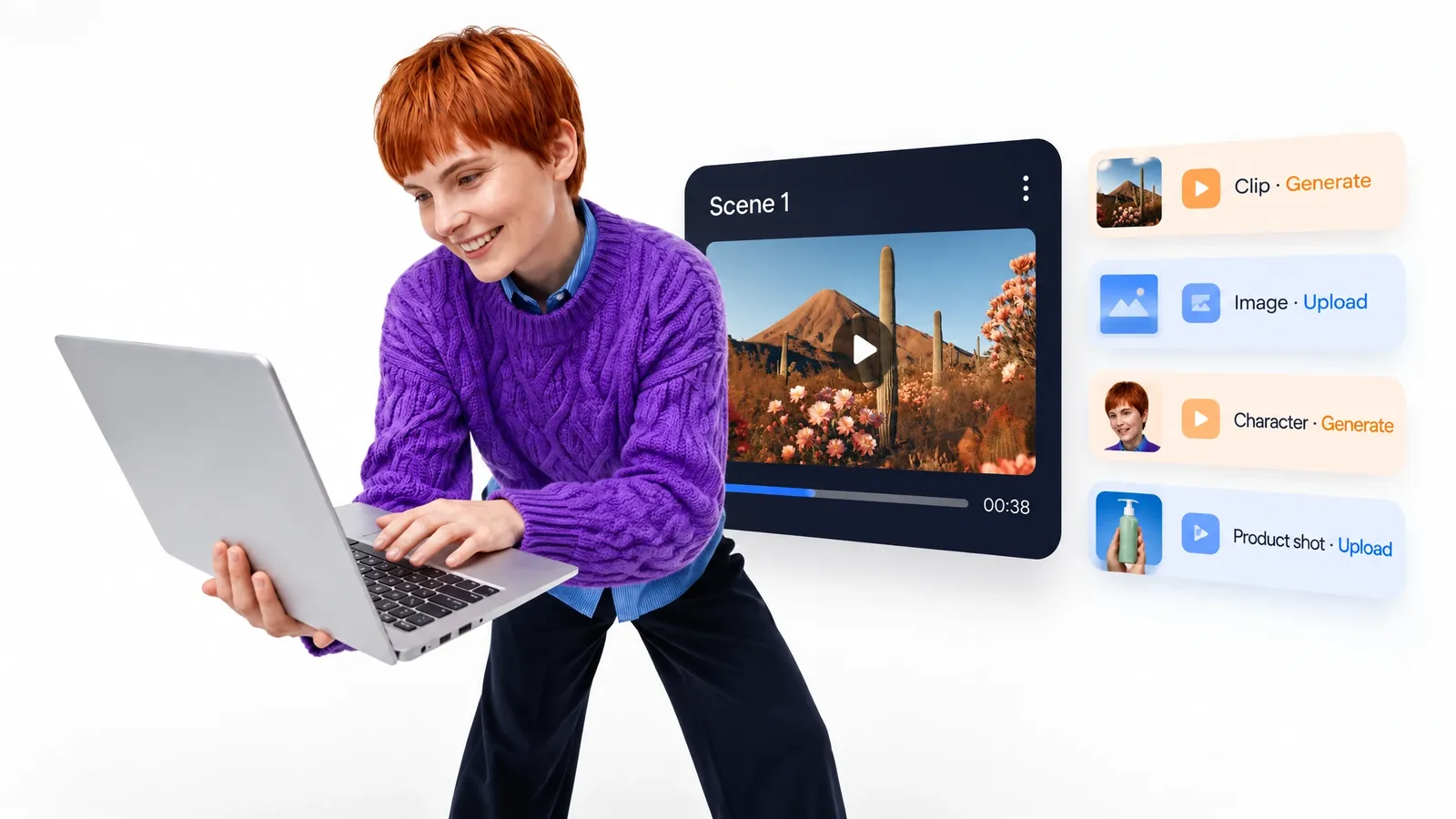
The storyboard shows which footage, images, characters, or other assets each scene requires. Before production starts, you can decide what to generate, what to upload from your own media, and what you already have. Good video production planning means asset generation and editing follow a defined plan, so you never start from a blank timeline.
Planning Steps in the Video Creation Workflow
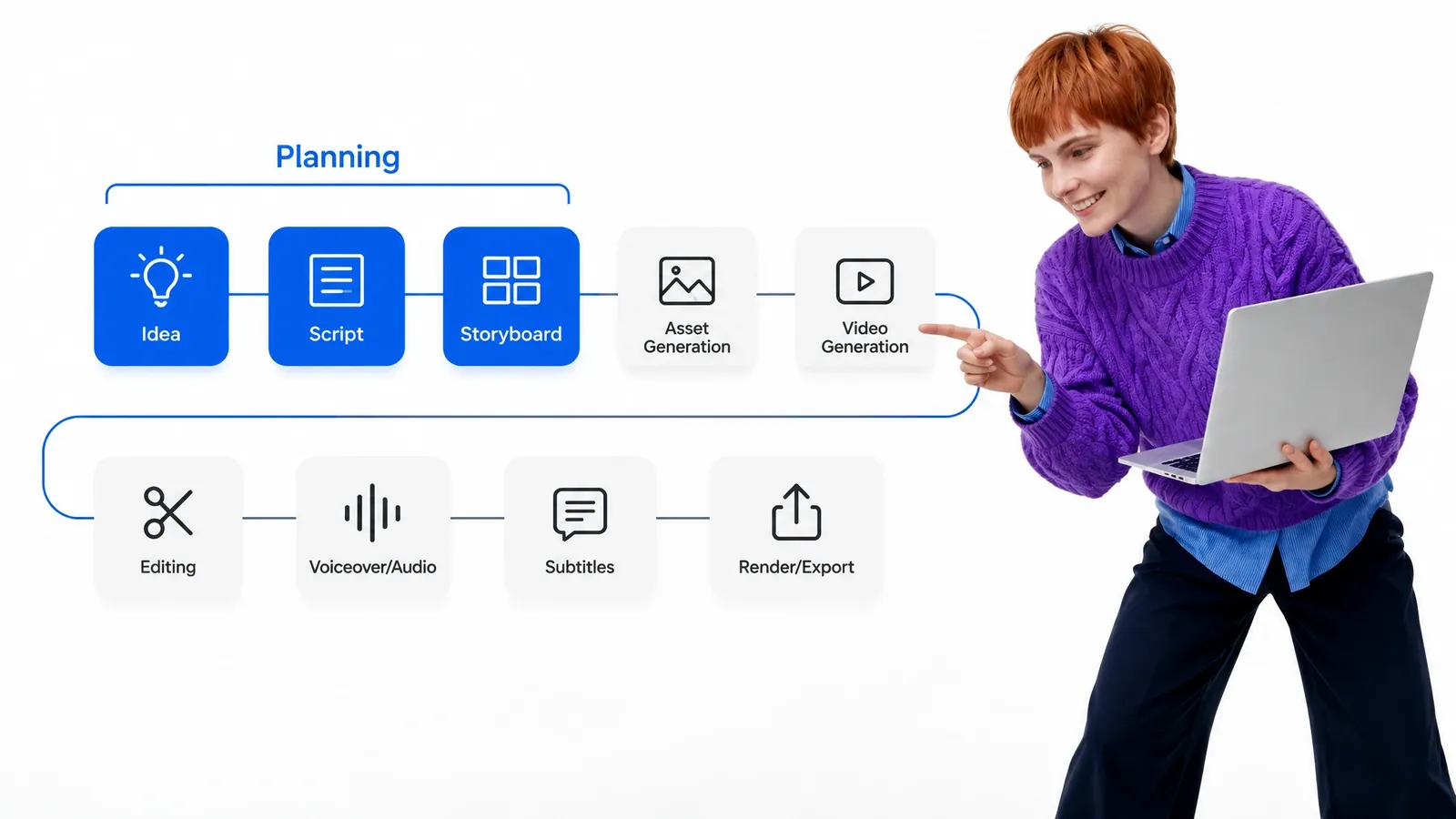
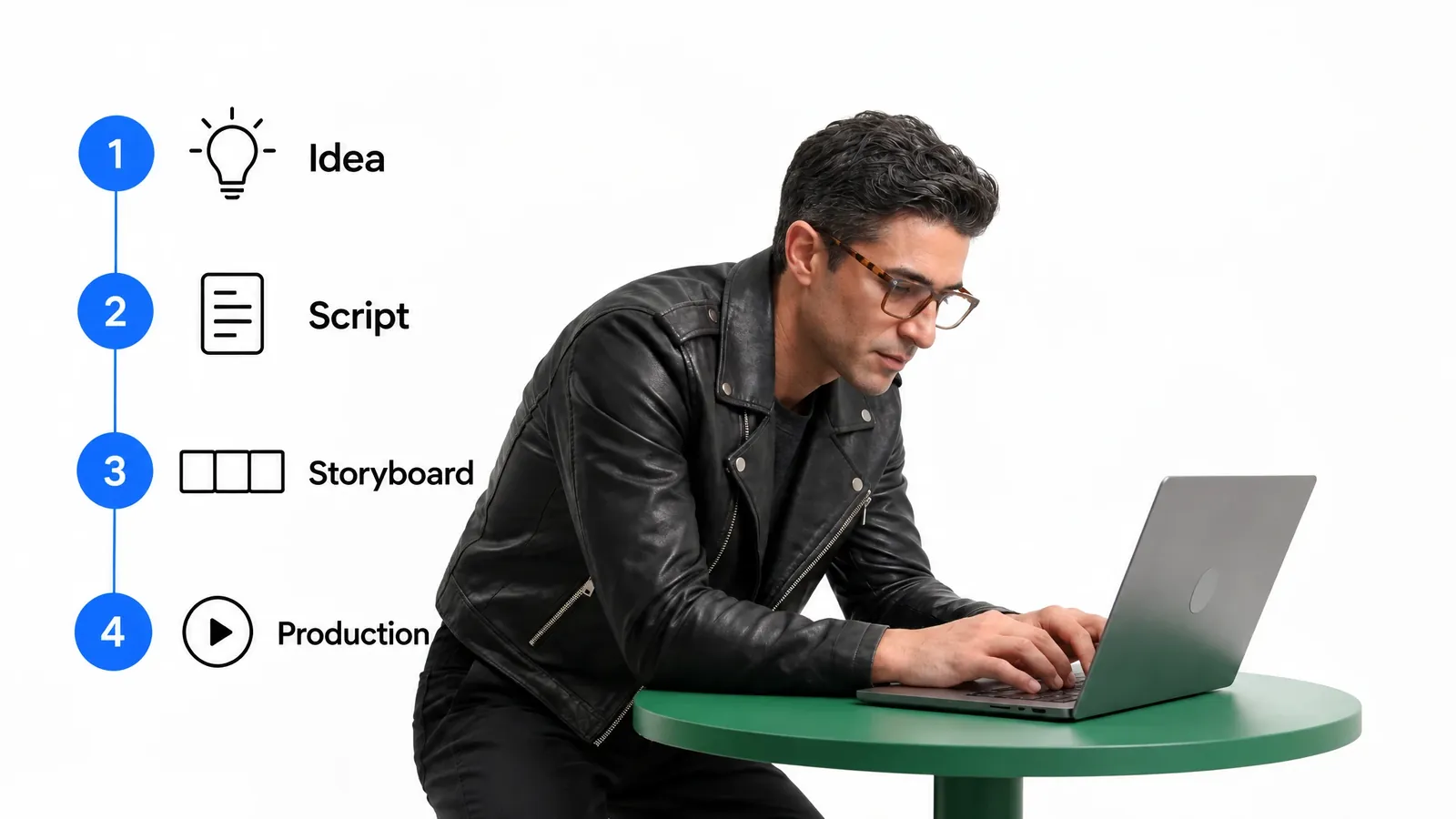
Idea → Script → Storyboard → Asset Generation → Video Generation → Editing → Voiceover/Audio → Subtitles → Render/Export
- Idea

- Script
- Storyboard
- Asset Generation
- Video Generation
- Editing
- Voiceover/Audio
- Subtitles
- Render/Export
Video planning covers the first three stages: idea, script, and storyboard. These stages decide what the video says, how it is structured, and which assets each scene needs. Every stage after them depends on those decisions.
When video planning is skipped, problems show up later. Scenes get regenerated, edits get redone, and voiceovers need rewriting because the structure changed. Video production planning moves those decisions to the start, when changes are fast and inexpensive.
In Videfy, the plan stays connected to the rest of the video creation workflow. It carries into asset generation, editing, audio, and subtitles, so the production follows the plan instead of drifting from it as the video project grows.
How to Plan a Video in Videfy
Four steps take you from a rough video idea to a production plan you can build on.
Start With Your Idea
Enter a prompt, a rough concept, or an existing script. You can also start from your own uploaded footage when part of the video already exists.
Shape the Script
Turn the idea into a structured draft. Refine the message, the order of points, and the wording until it says exactly what the video needs to say.
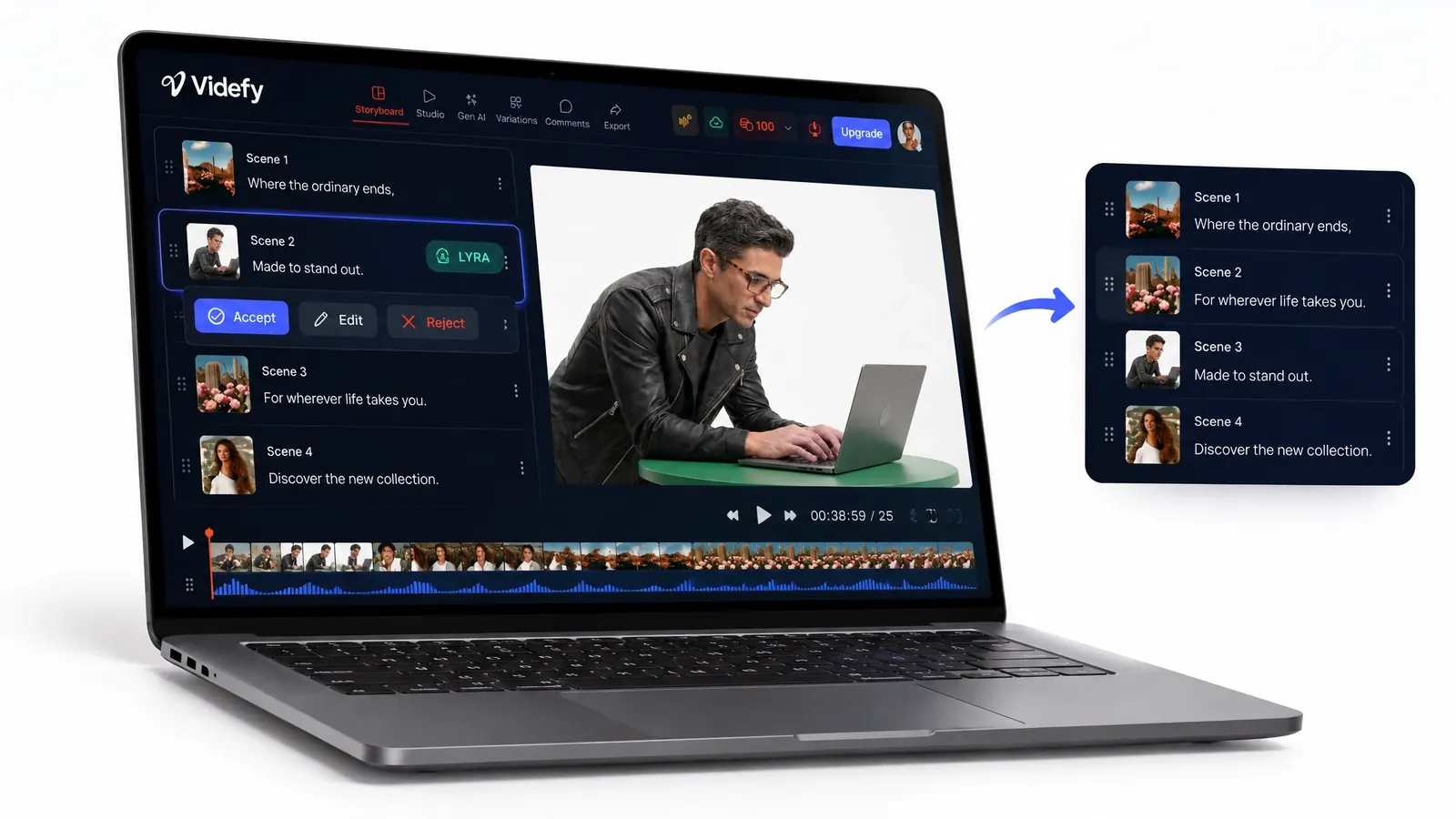
Storyboard the Scenes
Review the flow, reorder scenes if needed, and check which assets each scene requires before you generate anything.
Move Into Production
Generate or upload the assets your plan calls for, then edit, add audio and captions, and export. The plan stays attached to the video, so every later step follows it.
Keep Full Control Over Your Video Plan
Treat your first plan as a draft, not a final decision. You can rewrite any line, cut or add sections, and reorder scenes until the structure matches what you want the video to do. If a scene doesn’t work on paper, change it before you spend time generating or editing it.
The plan also stays flexible after production starts. If you decide to change direction, your video plan remains part of the project, so you can return to it and adjust instead of starting over.
Lyra can draft scripts and suggest scene orders, but it doesn’t choose your message or creative direction. Those decisions are yours, and once they’re in the plan, every later stage follows them.
Video Planning forDifferent Types of Content
Social Media Videos
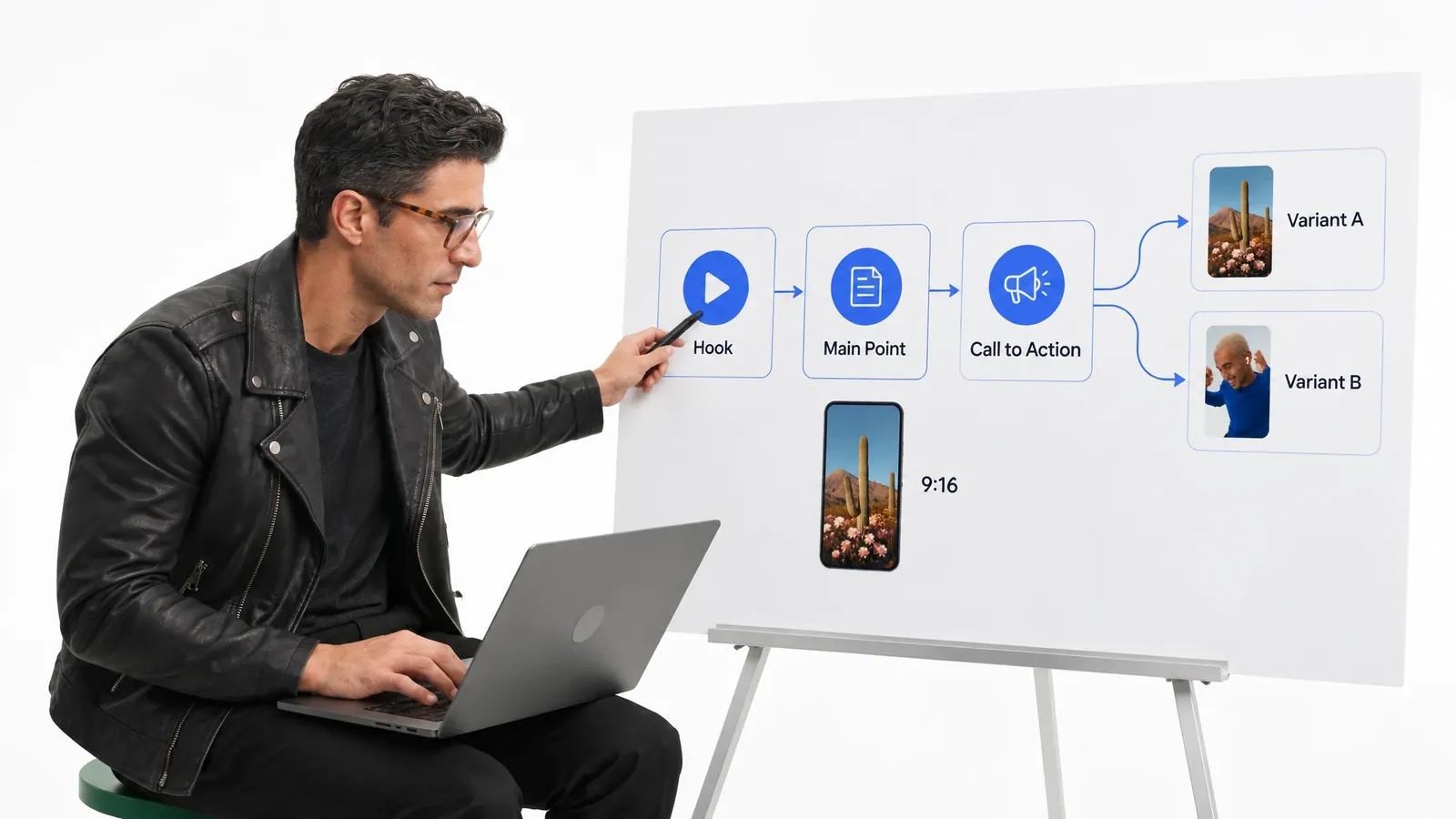
Plan the hook, main point, and call to action before you produce anything. Mapping the scenes helps you fit the message clearly into a short format, and one plan can guide cuts for different channels without rethinking the whole structure for every post.
Product Videos and Tutorials
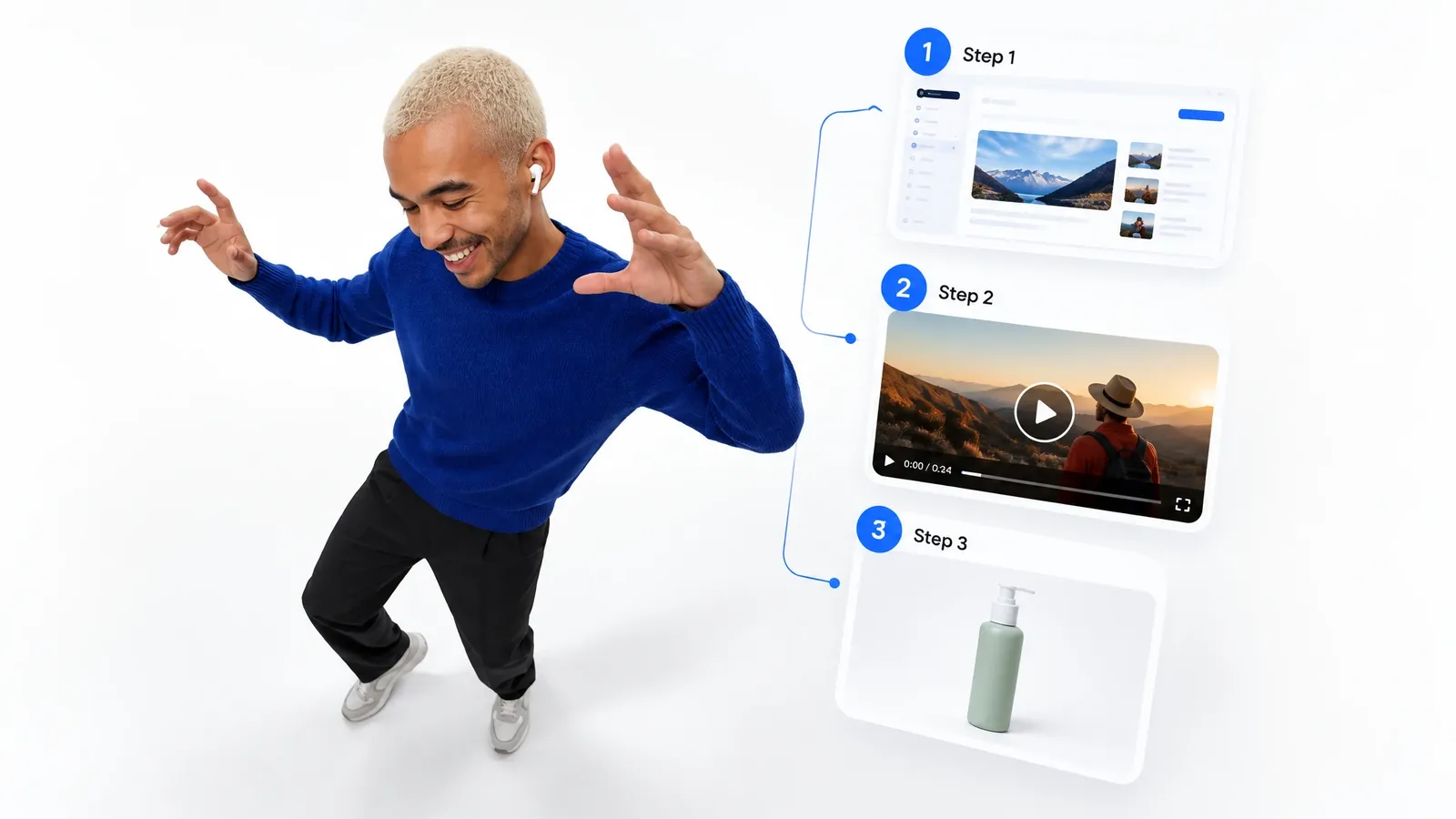
Plan each explanation in the order a viewer needs it, then map every step to a scene. The storyboard shows which screenshots, clips, or product shots you need, so nothing is missing once you start building and later updates are easier to plan.
Team Video Projects
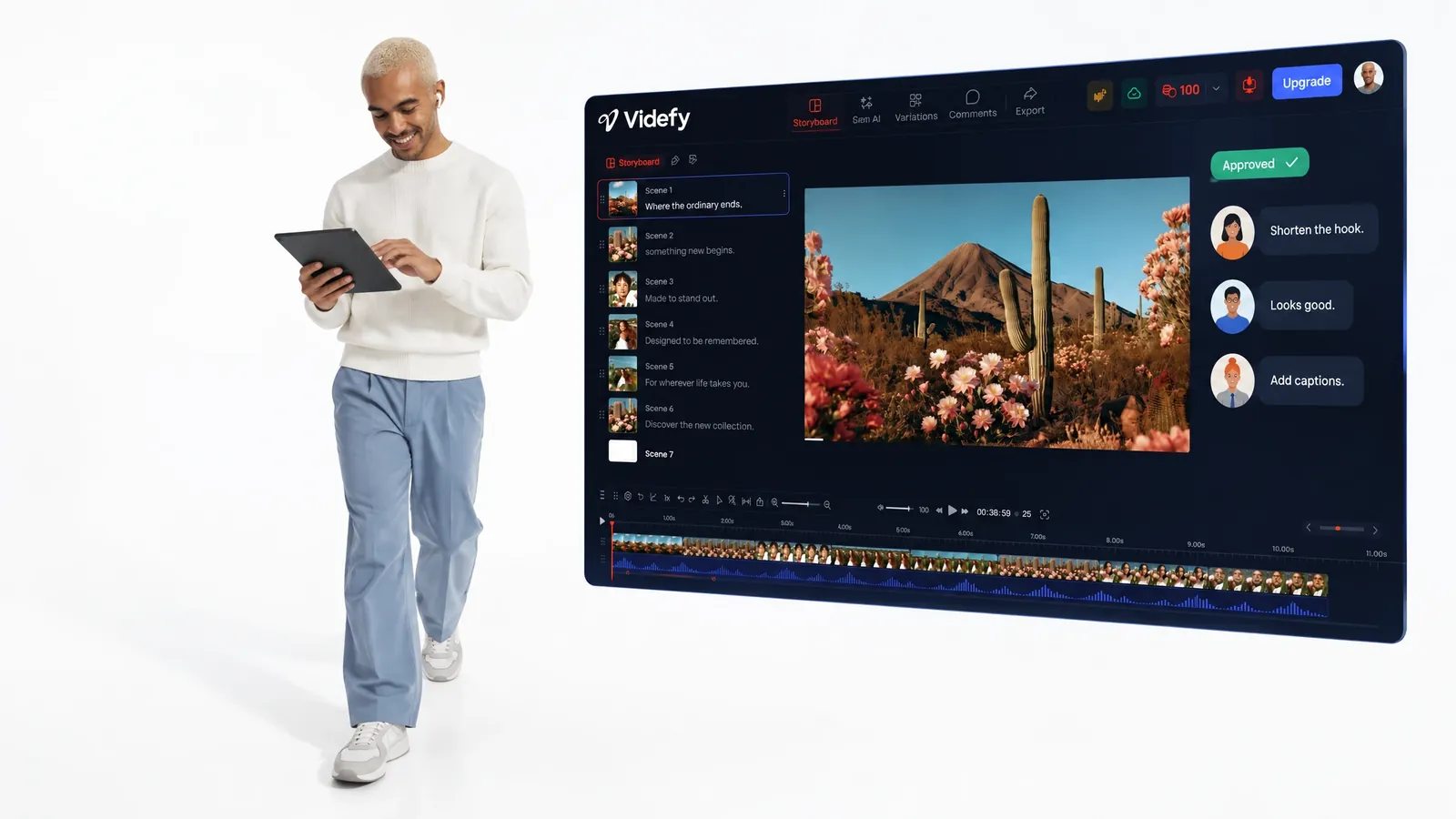
On Videfy’s Team plans, everyone works from the same video plan in a shared workspace. Teammates leave feedback and use approval workflows to sign off on the script and scenes before anyone starts producing, so nobody works from an outdated version.
Video Versions and Variations
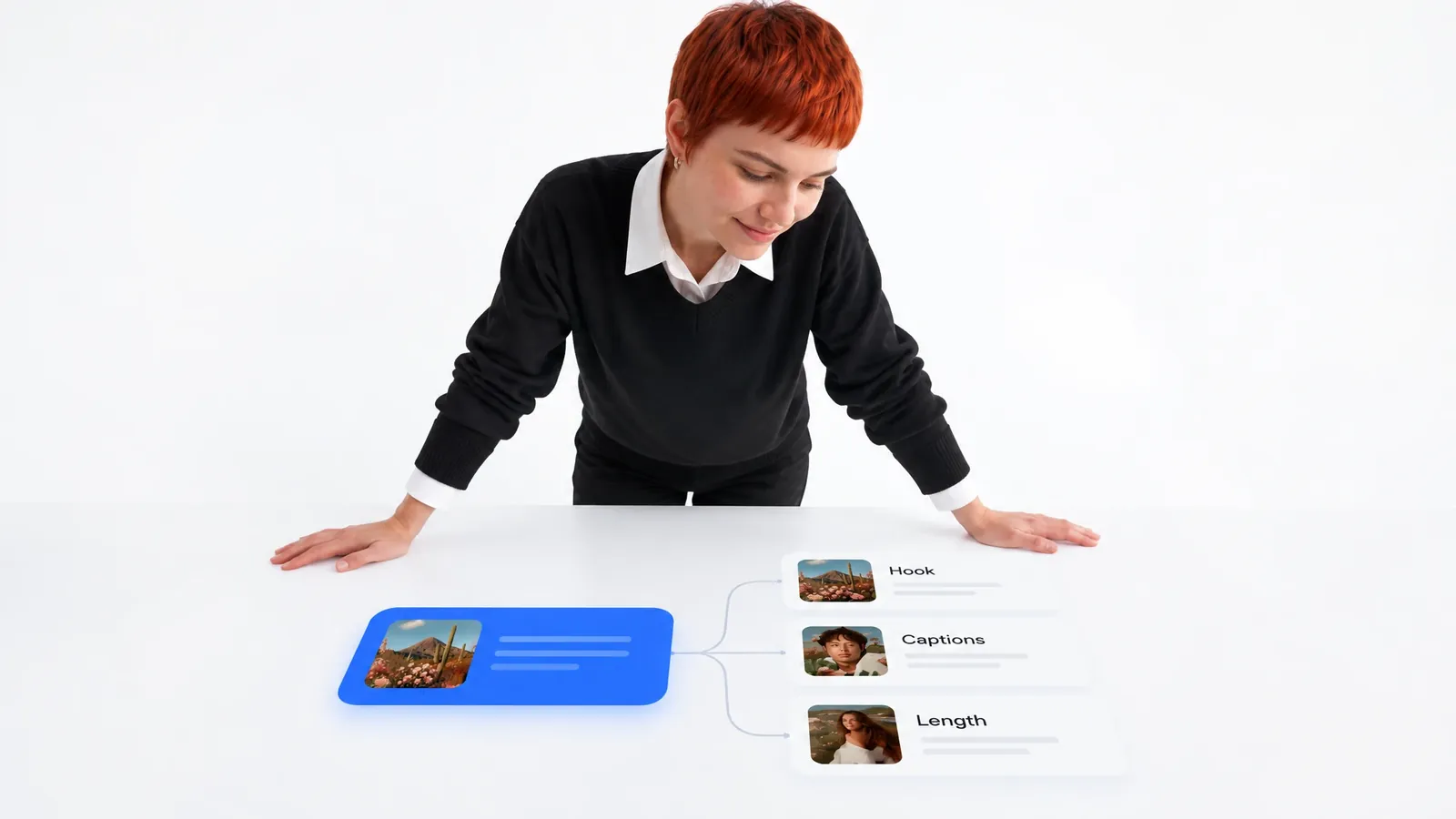
If a video will need versions for different audiences, languages, or channels, include them in your video production planning from the start. Decide what stays the same and what changes, such as the hook, captions, or length, so each version is ready for external A/B testing.
Plan and Produce Videos in the Same Project
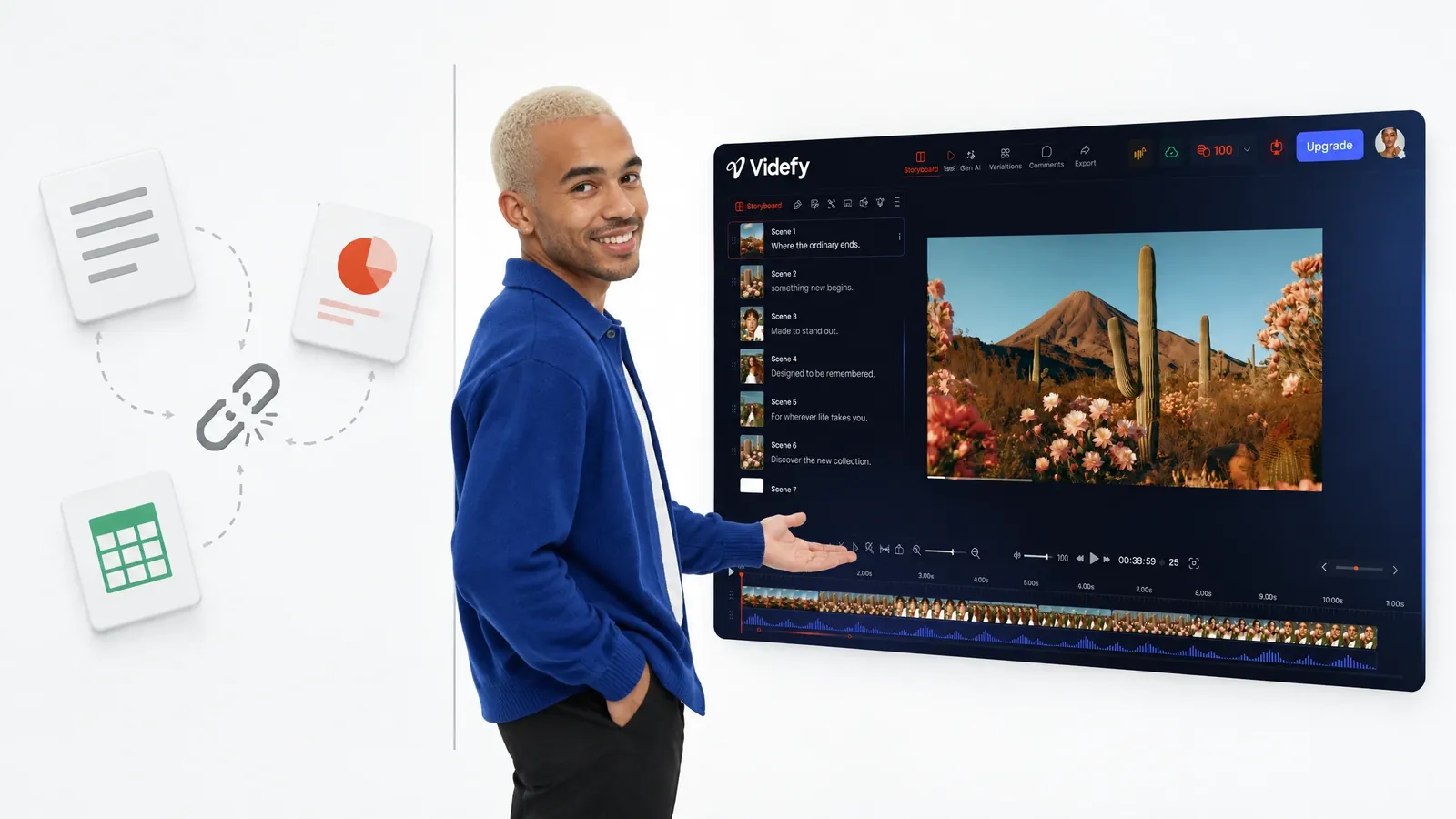
In many video workflows, the plan lives in one tool and the video gets made in another. Planning notes sit in documents or slides, and important details get lost in the handoff.
In Videfy, the full video plan, including scenes and asset needs, stays in the same project as the edit, audio, captions, and final versions. The plan doesn’t get copied or rebuilt when you move into production, because it carries forward into every stage.
This also helps when you return to a video project later. You can check the original plan, see why the video was structured the way it was, and adapt it for a new version instead of starting video planning from scratch.
Why Creators Choose Videfy for Video Planning
Videfy is an all-in-one video production workspace, so planning isn’t a separate step you finish somewhere else. Your script and scenes sit next to asset generation, editing, voiceovers, captions, translation, and export.
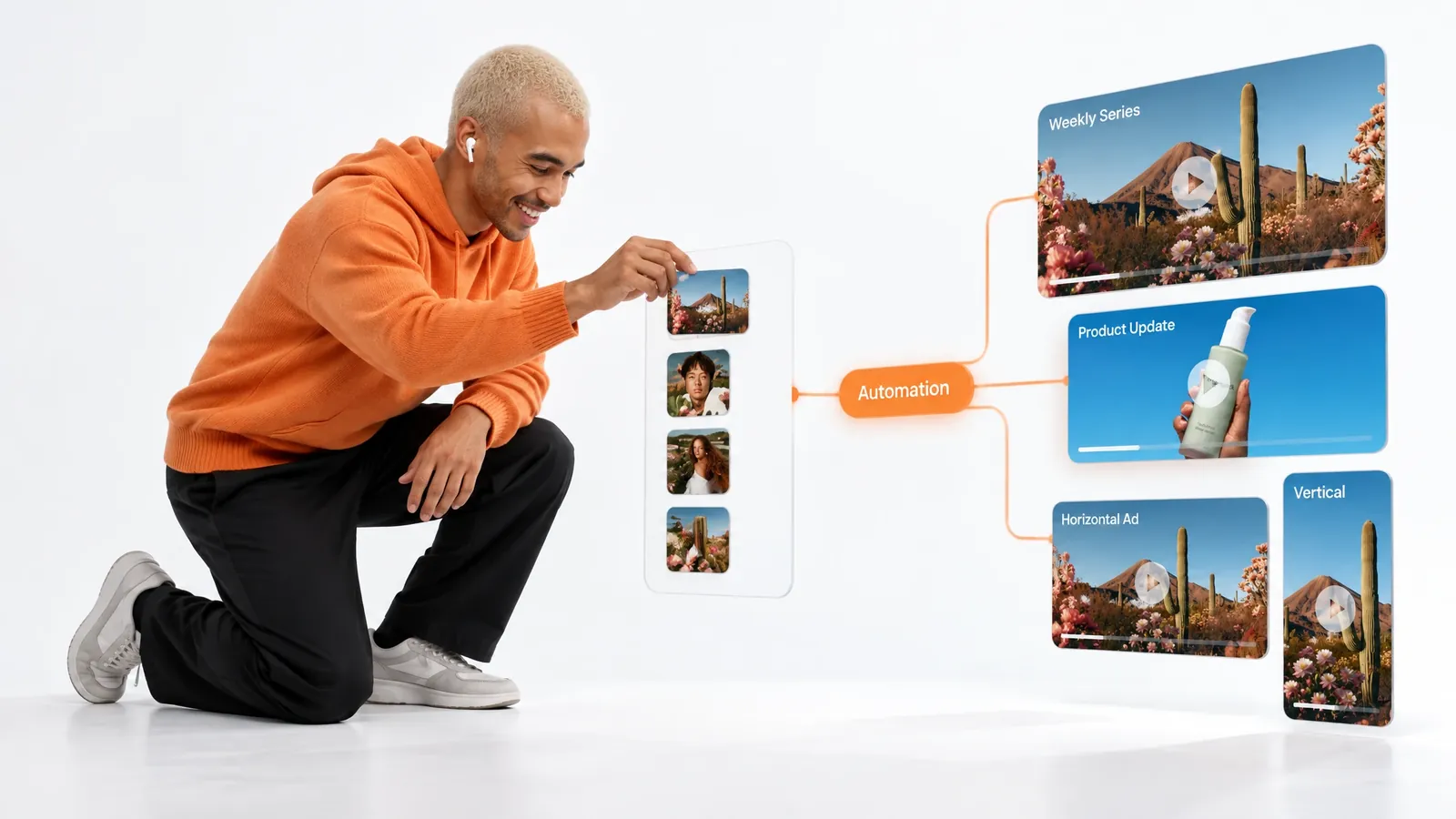
It’s built for video creation that scales. Video Automation lets you build repeatable workflows, so a structure that works carries over to new videos. This helps with weekly series, recurring product updates, and versions for different channels, where each new video should follow the same format without being planned from zero each time.
If your video ideas currently live in notes, docs, or spreadsheets, Videfy gives them a place to become a production plan you can build and edit.
Frequently asked questions
FAQ
Video planning is the work you do before production. It covers the idea, the script, the storyboard, and a list of what each scene needs. A clear plan helps you avoid reshoots, regenerated scenes, and rewritten voiceovers, because the main decisions are made before editing starts.
Yes. A short prompt or rough concept is enough to start. Videfy turns your video ideas into a structured script, which you can refine until the direction is clear. You can then map the scenes and plan what each one needs before production.
No. You can upload your own footage and go straight to editing. Video planning helps most when a video has several scenes, needs specific assets, or will have multiple versions. In those cases, a clear plan saves time later.
Yes. Your video plan stays with the rest of the video. You can go back, rewrite a section, or reorder scenes, then update the assets and edit to match. You don’t need to start a new project.
A storyboard shows the video scene by scene, so you can check the flow before anything is produced. It also shows which footage, images, characters, or other assets each scene requires. That tells you what to generate, what to upload, and what you already have.
Yes. Once a structure works, you can follow it for the next video instead of planning it again. For recurring formats, Video Automation lets you build repeatable workflows that create and update multiple videos. You adjust only what needs to change.
Yes. On Videfy’s Team plans, teammates share one workspace and can leave feedback and approve the plan as it develops. The script, scenes, and production plan stay in one place, so the team signs off before anyone starts producing.

Plan Your Next Video in Videfy,the Smart Video Creation Platform
Start with a single video idea, turn it into a clear plan, and map every scene before production begins. Videfy keeps your plan connected to generation, editing, audio, captions, and export, so the video you finish matches the video you planned.